Broadcast critical information across your physical workplace with digital signage
In the office, every moment is an opportunity to keep people informed and connected. Share the latest company news, announcements, workplace guidance, and more. Get the message out on digital signs in lobbies, team areas, hallways, and meeting spaces. Learn more about Appspace digital signage in the video below.
Book a demo to see how Appspace digital signage can help your organization create a better workplace experience for your employees.
2,500+ companies trust Appspace
DIGITAL SIGNAGE
Reach employees and visitors with smart signage
Bring your workplace to life with engaging digital signage for your conference rooms, meeting areas, and public spaces. Whether you want to use a single screen or a connected network of digital displays, make sure everyone gets the message.
Give your employee and visitor communications that extra wow factor with multi-screen displays in high-traffic areas where one screen just isn’t enough.
INTERACTIVE DISPLAYS
Invite people to engage
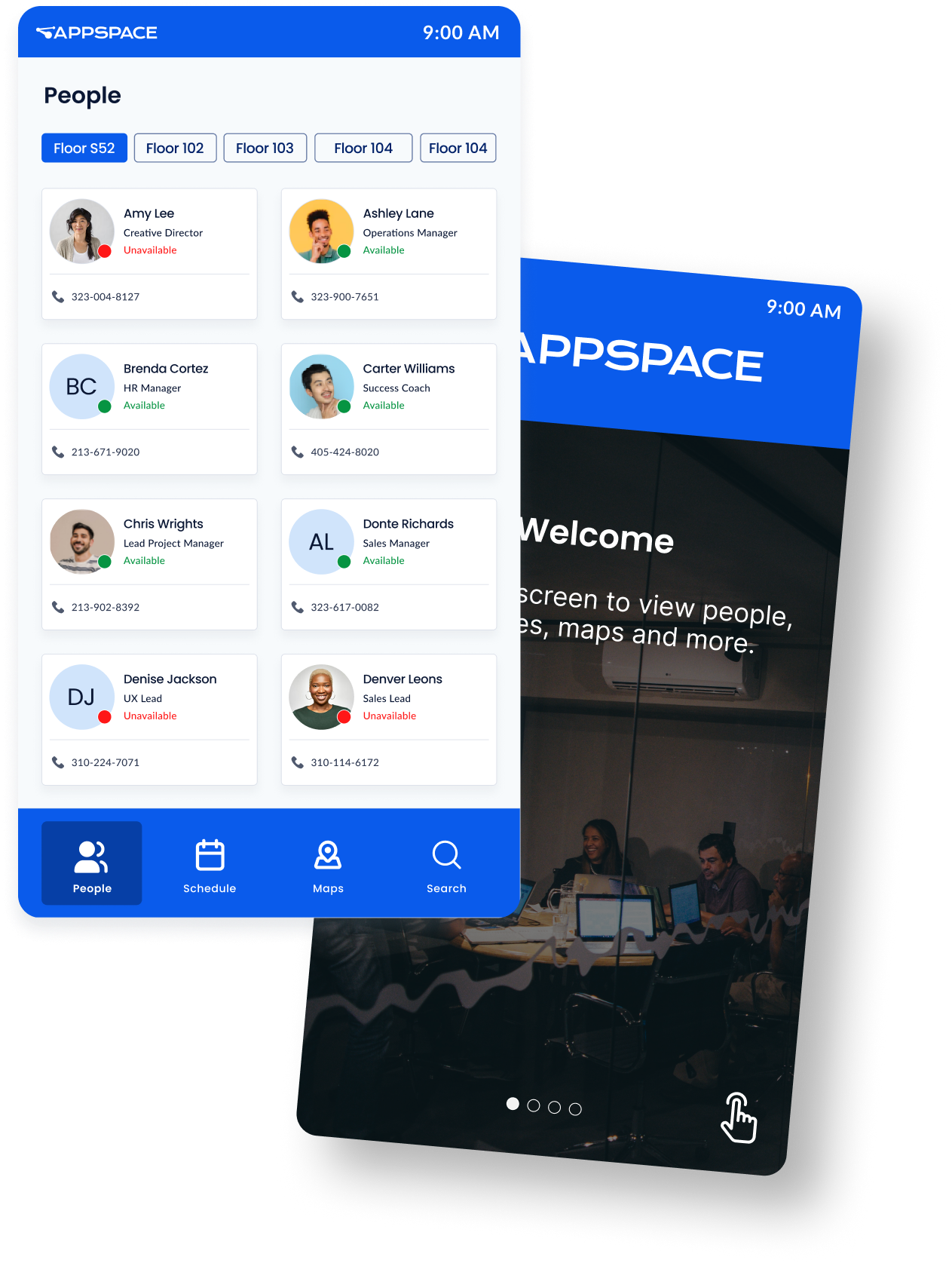
Make your digital signs interactive, via touchscreen kiosks that provide wayfinding, directories, visitor management, and space reservation capabilities. Employees and visitors can browse information and engage with dynamic content that goes beyond static images for an interactive experience.
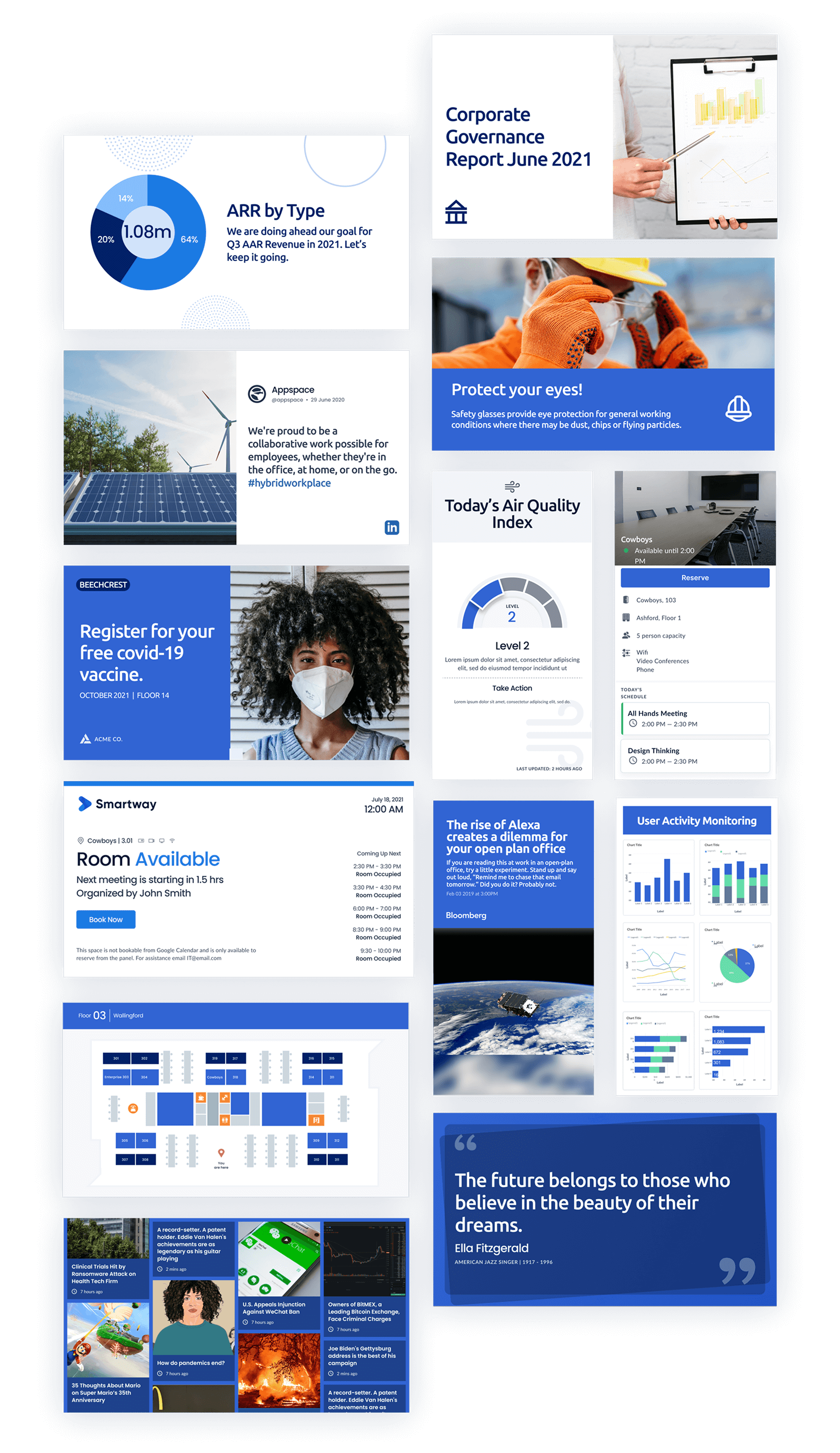
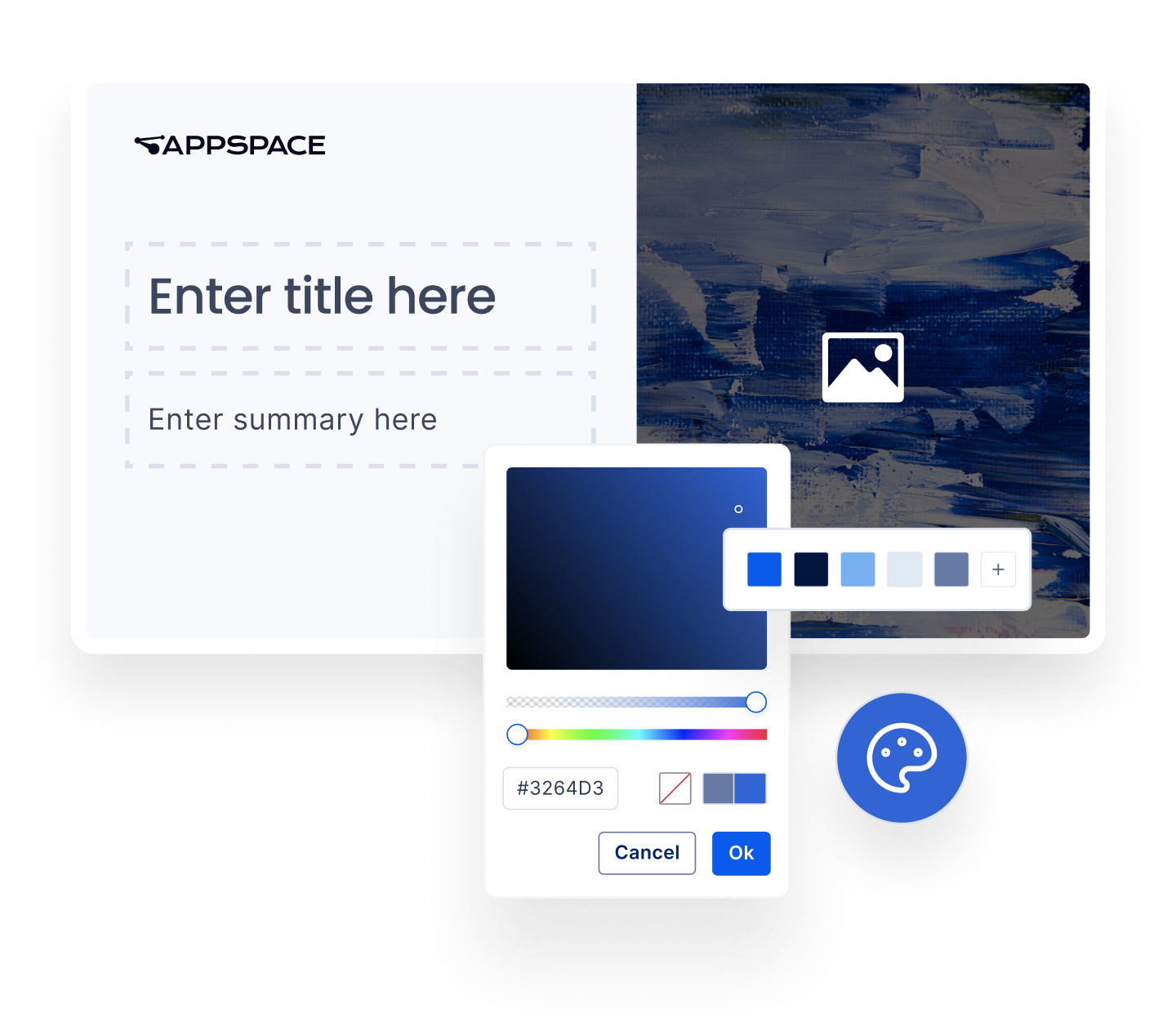
Share any type of information easily with pre-designed HTML templates you can customize to fit your brand colors and fonts. Content formats perfectly on digital signage, computers, phones, and in other apps like SharePoint, Teams, or Slack. Share more content in an engaging way with multi-zone layouts.
For the past 5+ years, Appspace is the primary platform we have used at LinkedIn to manage and distribute our digital signage content. This has been extremely valuable for our employees as it allows them to stay up to date to relevant company announcements,
events and communications.
Enterprise features
HTML templates
Display pre-designed templates for sharing your announcements, reports, and more
Images
Use common image formats like jpg, png, and gif in templates and channels
HD & 4K video
Display HD and higher video content on compatible displays
Live streams
View video streams in HLS, UDP, and multi-cast formats from your preferred technology
Flexible layouts
Templates with built-in flexibility for landscape, portrait, mobile, and more
Interactivity & transitions
Create behaviors for digital signs and kiosks using touch screens, URLs, and more
Device tasks
Get logs, restart devices, manage updates, and many other device-specific functions
Compatible with alerts
Override content with priority messages from the CEO and emergency systems
Simple setup
Setup one device or thousands with enterprise-level deployment options