PRIVATE CLOUD HOSTING

The first cloud-based workplace experience platform for the Middle East

Your organization shouldn’t have to settle for a collection of disjointed on-premise workplace solutions. That’s why Appspace now stores data locally in the Kingdom of Saudi Arabia, becoming the first workplace experience platform to offer a secure, single-tenant cloud environment. Because Appspace is hosted in Google Cloud, its Class C License granted by the Communications, Space and Technology Commission (CST) ensures compliance to data security standards and requirements. This also opens the door to exciting new capabilities beyond digital signage that were never available to Appspace customers– until now.
Illustration of server racks surrounded by clouds, representing cloud storage. Blue file icons and arrows show files being transferred to and from the servers. Clouds and dashed lines suggest connectivity and data flow.
A blue circle with a white cloud and padlock icon in the center, surrounded by a scattered pattern of white dots on a black background, suggesting cloud security.

Why Private Cloud?

Because you get access to the entire Appspace platform, allowing you to boost employee engagement and the effectiveness of your comms with new solutions at your disposal. It also provides tools to manage your facilities like Space Reservation, Visitor Management, and Wayfinding. It’s all a part of a single-tenant cloud instance protected by security standards you can trust.

Trusted by some of the most recognizable names in the Kingdom of Saudi Arabia
Edit Content

An app for it all

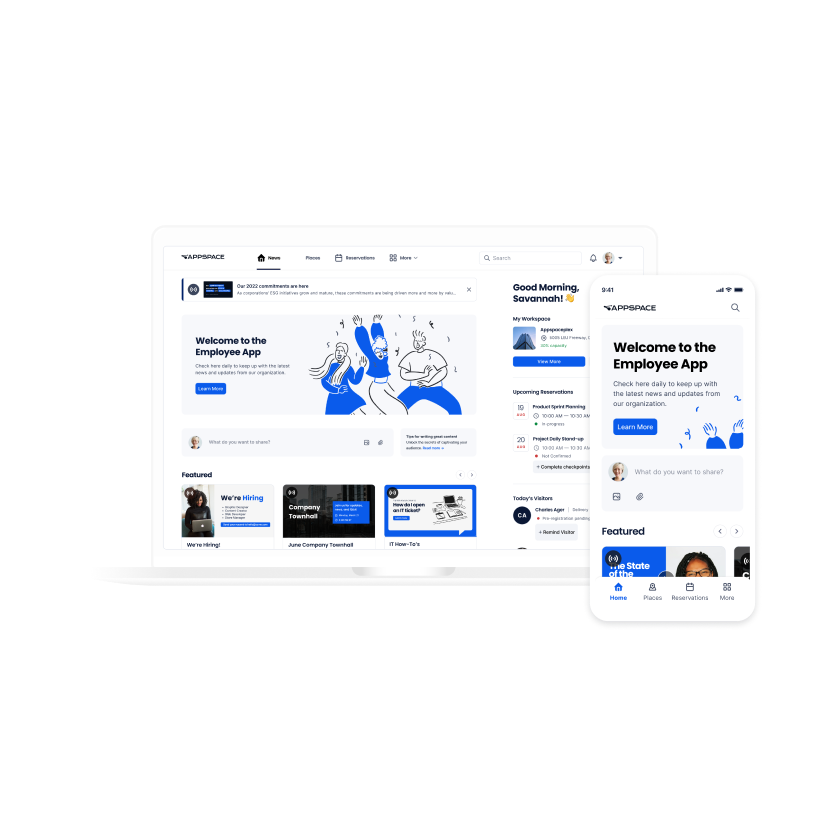
The Appspace App is a central hub for company communications, reservations, and third-party apps. Whether at home, in the office, or on the go, we support all types of work by bridging the communications gap between the physical and digital workplace.
A laptop and smartphone display a modern employee app interface, featuring welcome messages, navigation menus, user profiles, and blue accent graphics on a clean white background.
Edit Content

Find and book rooms, desks, parking, lockers, and more
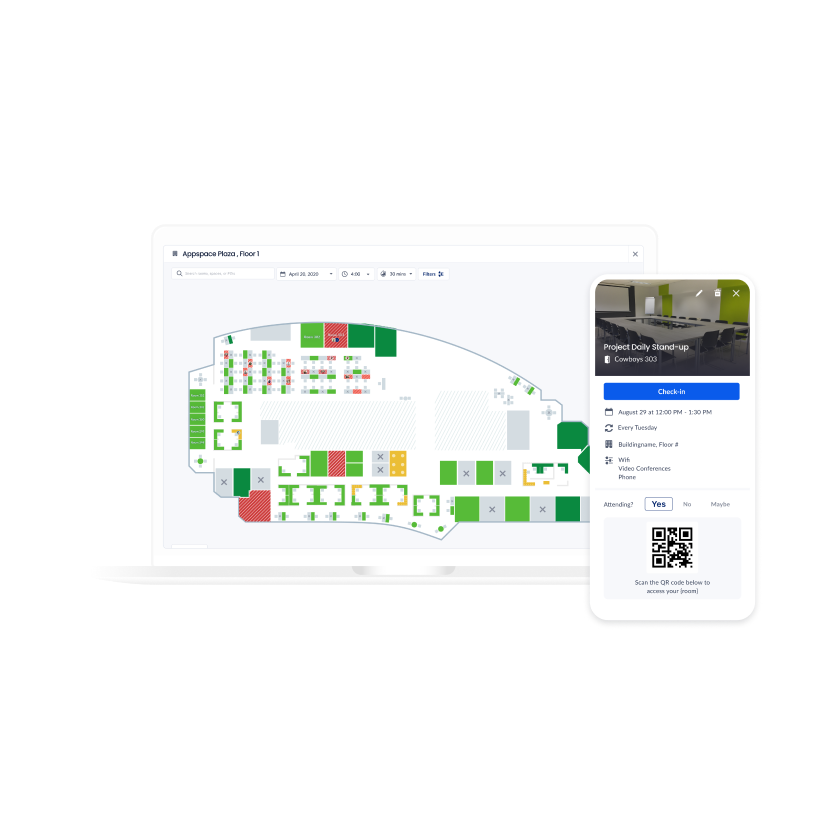
Our Space Reservation solution helps you find the perfect workspace and includes customizable floor plans, reservation management, and space usage analytics. Reservations can be made on room scheduling and hot desk devices, in Outlook using the Appspace add-in, or remotely using the Employee App.
A laptop screen displays an office floor plan with colored workspaces, while a smartphone shows an event check-in page with a QR code and event details.
Edit Content

Accelerate visitor registration with a solution that meets all your requirements
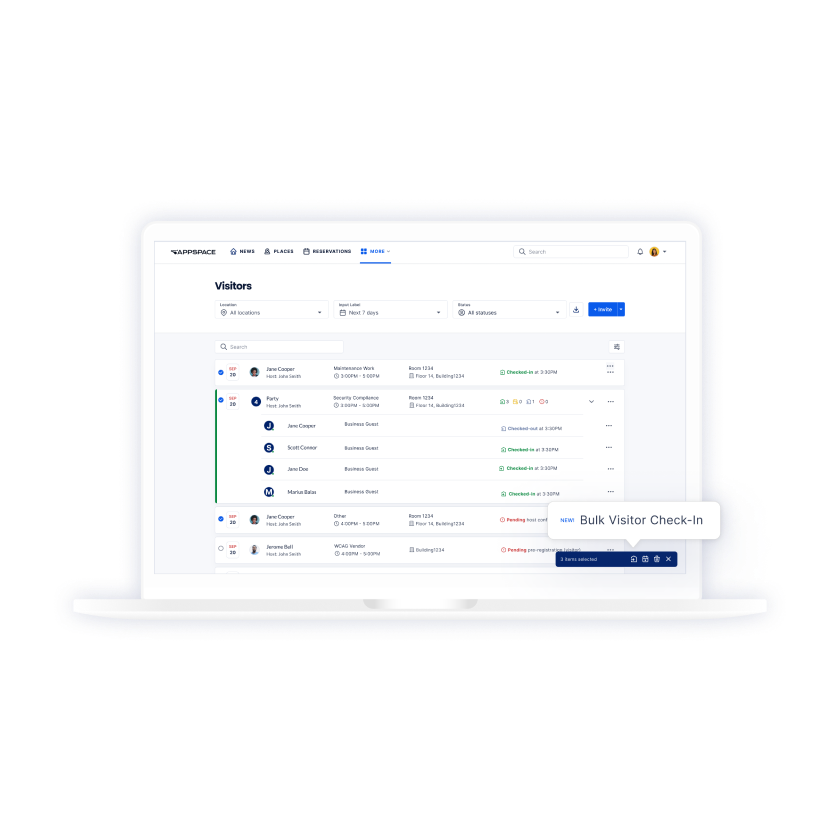
Make going to the office a safe and organized experience for your employees and guests with Visitor Management. Send pre-registration emails to guests for an expedited check-in experience upon arrival – all while meeting your organization’s visitor rules and regulations.
A laptop displaying a visitor management dashboard with a list of visitors, check-in times, and status. A cursor hovers over a button labeled Bulk Visitor Check-In.
Edit Content

Integrate with the messaging apps your teams already use
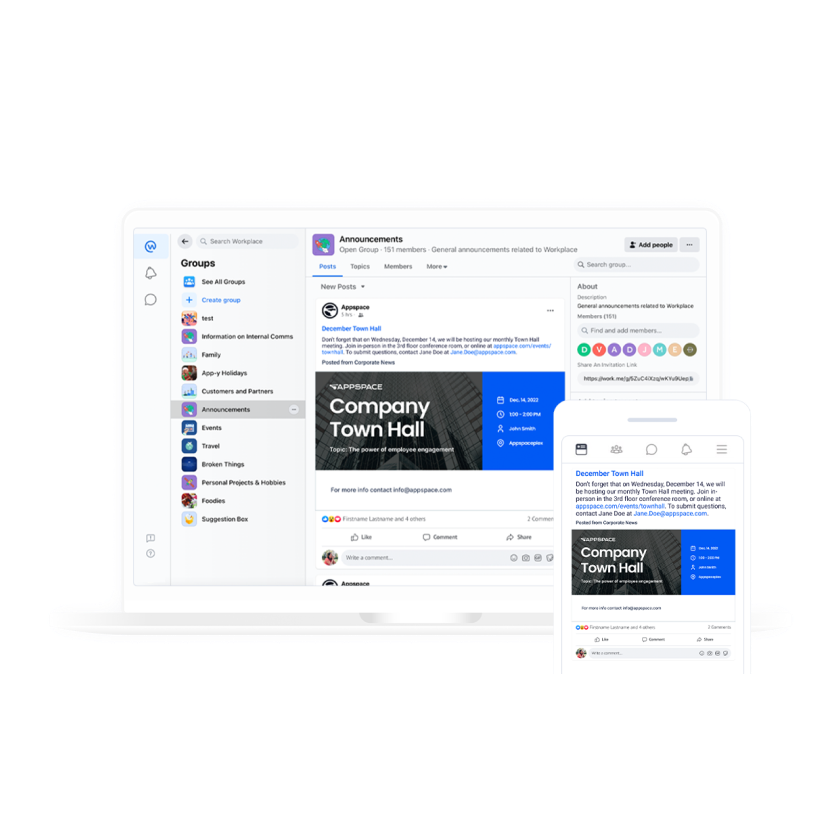
Extend the reach of your digital signage with an omni-channel strategy. Our enterprise messaging integrations enable you to reach your teams via the apps they use every day, with announcements and reservation confirmations going right to Slack, Webex, Workplace by Meta, and more.
A laptop and a smartphone display a social media announcement for a company town hall event, showing identical content on both screens, highlighting cross-device accessibility.
Edit Content

Save time and get the message right with Premium Content
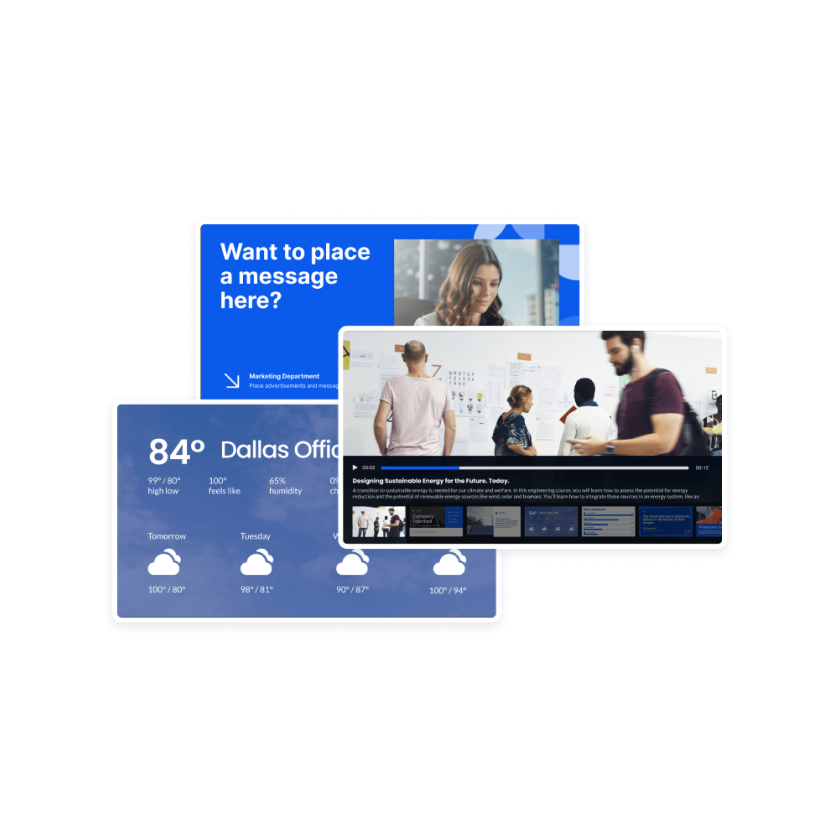
Don’t have the time to create new content or need some help? Share your comms faster with expert-created content that’s ready to go and built specifically for each department and industry.
Three digital screens overlap: one displays a weather forecast for Dallas, one shows a Want to place a message here? prompt, and the third features people in an office with news headlines below.
Edit Content

Ensure important updates are never missed
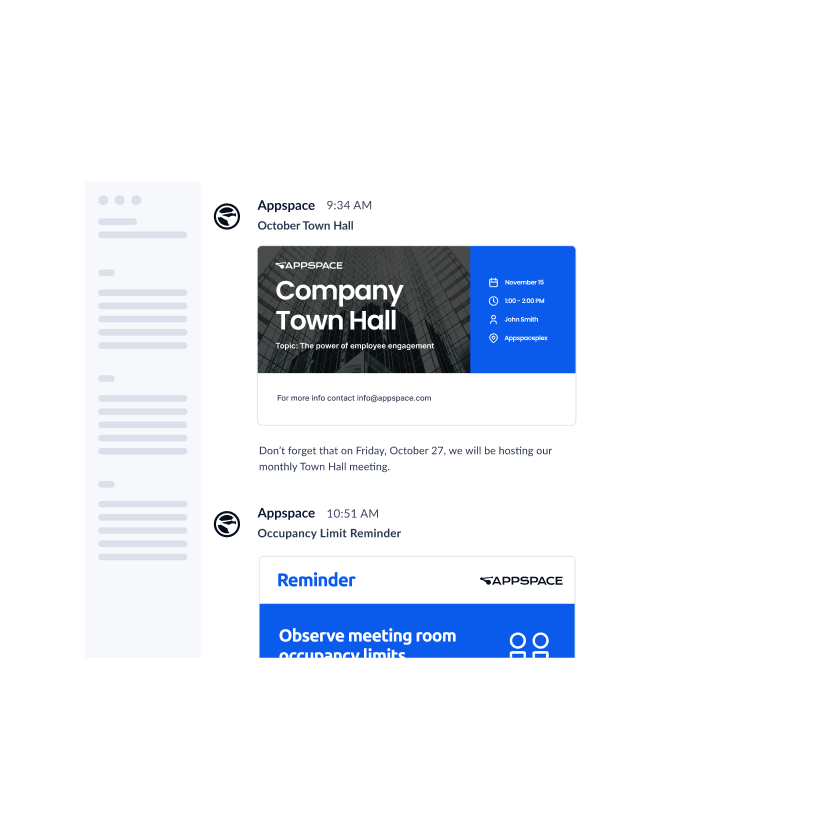
Expand the reach of your digital signage and employee comms content by directly publishing to email. Publish a single piece of content immediately or create and schedule daily or weekly topical newsletters.
A chat interface displays messages about an October Town Hall event with a blue event card and a reminder about meeting room occupancy limits below it.

Experience the flexibility and security of private cloud
A white rectangular box with a blue circular icon showing four arrows pointing outwards. Text reads: Isolate your data in a private instance supported by Appspace.
A blue gear icon next to text that reads: Create a custom domain specific to your organization (companyname.cloud.appspace.com).
A white box with a blue calendar icon on the left and text on the right explaining options for more frequent software updates, available monthly or weekly, to access the latest features.
A white box with a blue circle icon of a pencil and ruler, followed by the text: Test new features in a free sandbox environment.
A notification box with a blue padlock icon and text: Secure your data with TLS 1.2+ and DEKs (data encryption keys) with an encryption standard of AES-256.
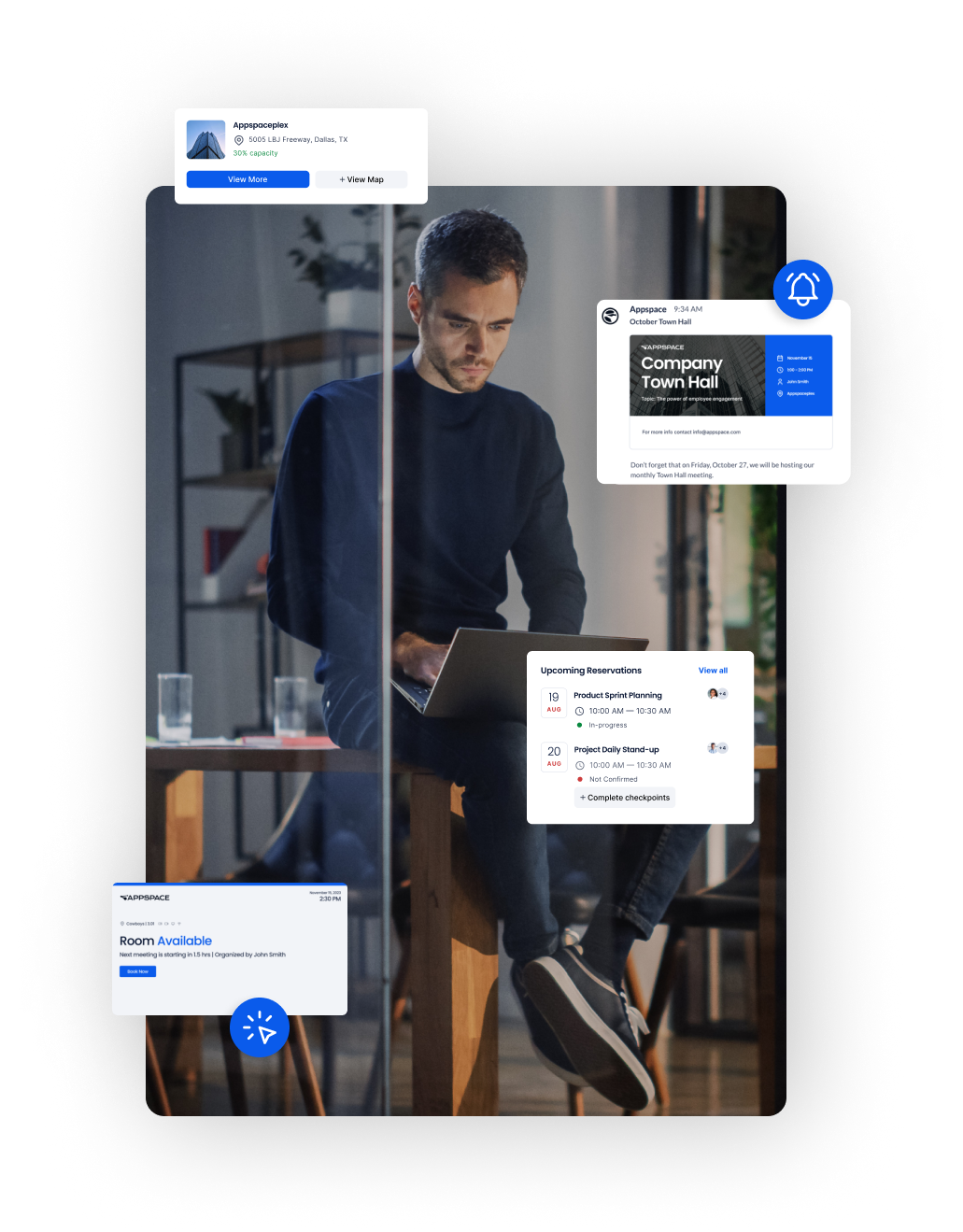
A man sits on a stool using a laptop in a modern office, surrounded by floating digital interface elements showing meeting info, room availability, and event notifications.

FAQs

What security measures are in place for Private Cloud?
Appspace takes several physical security, access and network, backup, and privacy measures to safeguard the security of private cloud instances. Learn more ›

Who has access to private cloud data?
Appspace doesn’t actively view or access customer data. In the event of a support case where our team needs to view your content, a request is submitted to the customer for access approval. In most cases, we can support our customers without viewing their data.
How quickly can private cloud instances be set up for existing customers?
Typically within three business days from Appspace receiving the order, depending on various migration factors.
Can I use Active Directory to access private cloud?
Yes. Appspace supports SAML-based Single Sign-On (SSO), which allows for users to authenticate using their Active Directory-based ldP.
Are there high availability (HA) options with private cloud?
Yes, the Appspace Cloud Operations team handles HA and disaster recovery options for private cloud instances.

Want to speak to an expert?