Appspace is a Leader in the Gartner® Magic Quadrant™ for Intranet Packaged Solutions | Get the report >
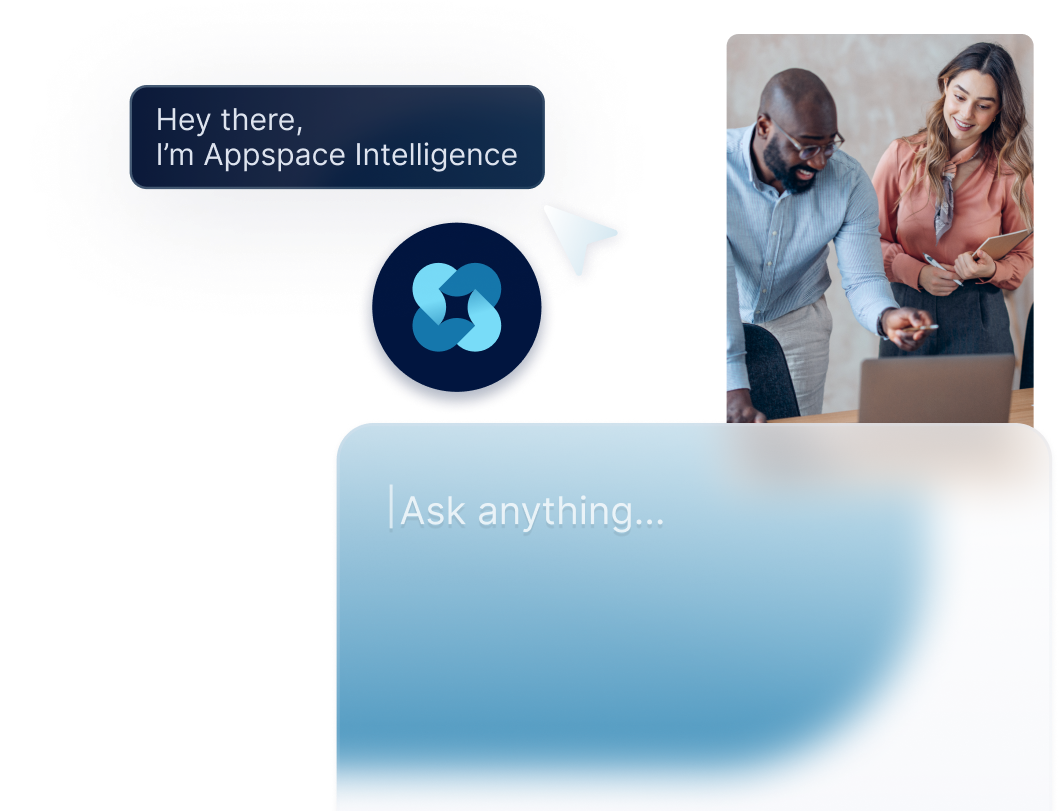
Appspace Intelligence puts AI right in the flow of work. Offload the busywork behind communication, planning, and decisions. So your day feels less like friction and more like progress.
WHY APPSPACE INTELLIGENCE?
See how employees feel and how your workplace is used. Use that data to sharpen your comms and facilities strategy.
Speed up content creation with simple text prompts. Draft copy, generate visuals, or get AI to narrate it for you.
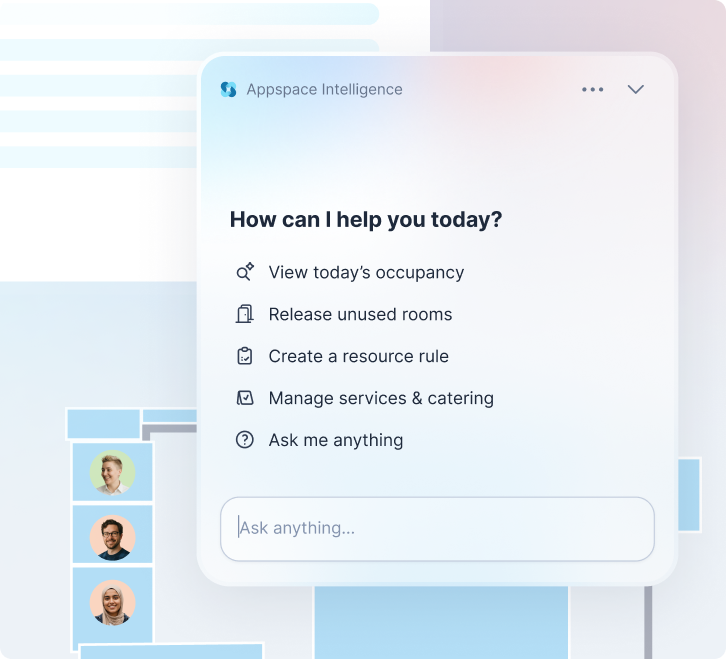
Just ask, "Can you book a room?" or "Where's this file?" and get the right info instantly.
Intelligence is personal, proactive, and baked in. Not bolted on.
Integrations
Content
Devices
Users
Notifications
Locations
AI ASSISTANTS
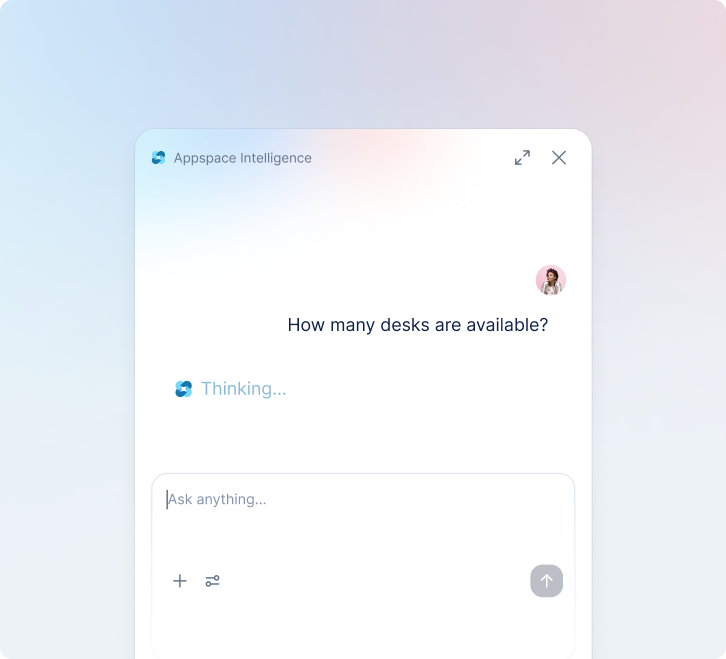
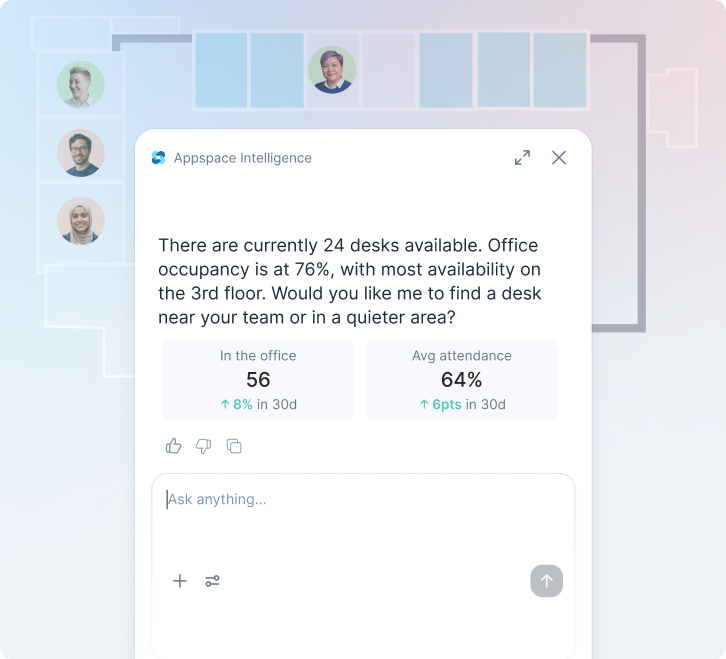
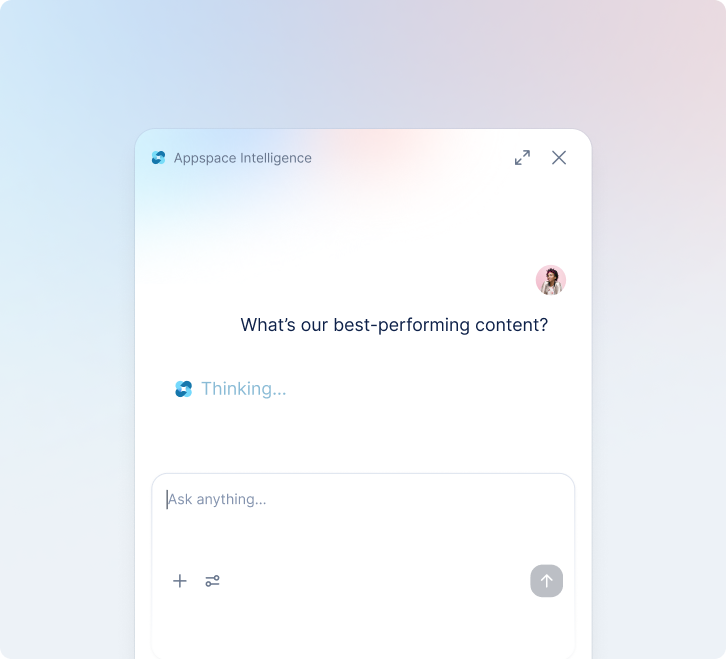
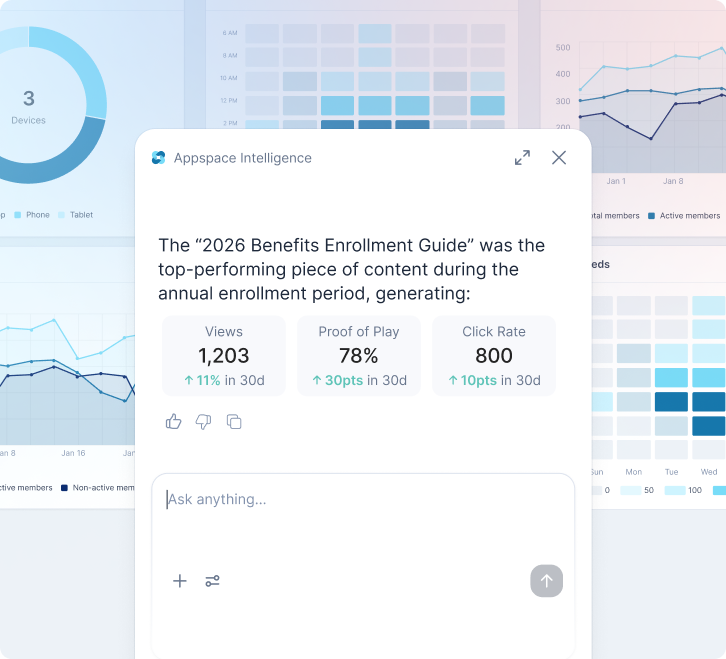
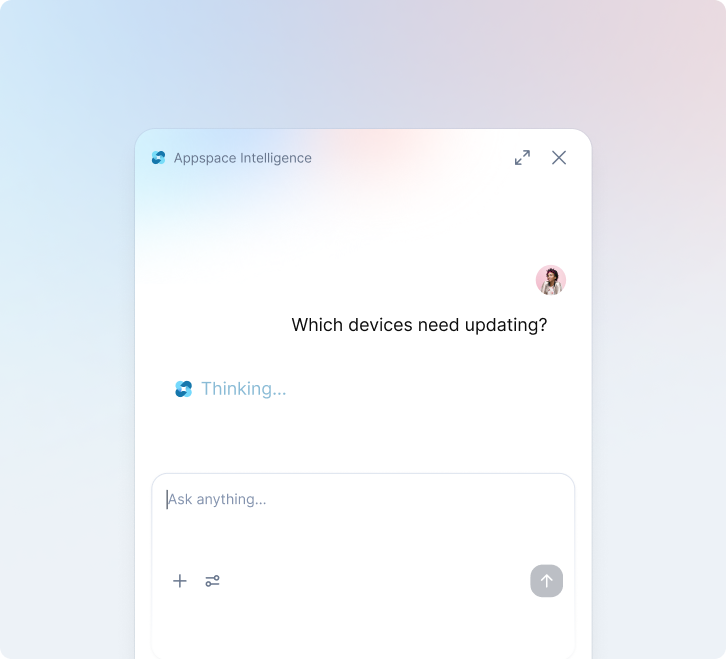
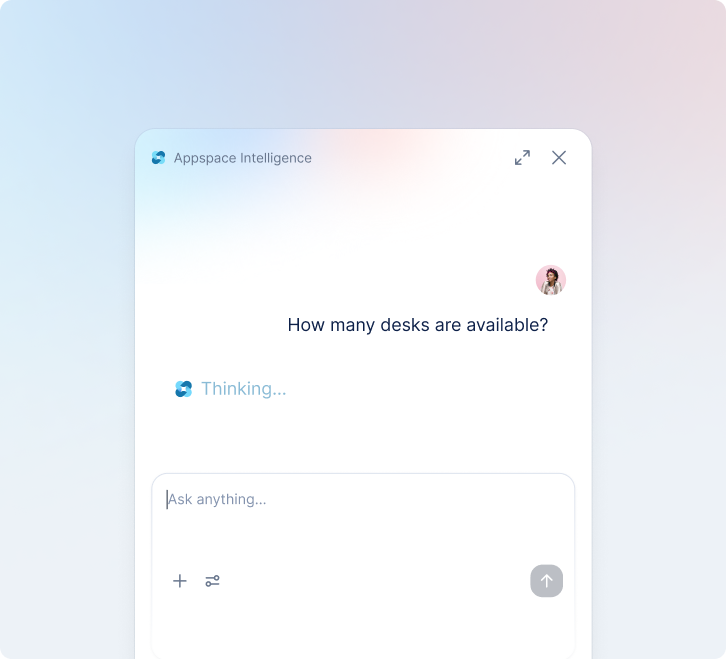
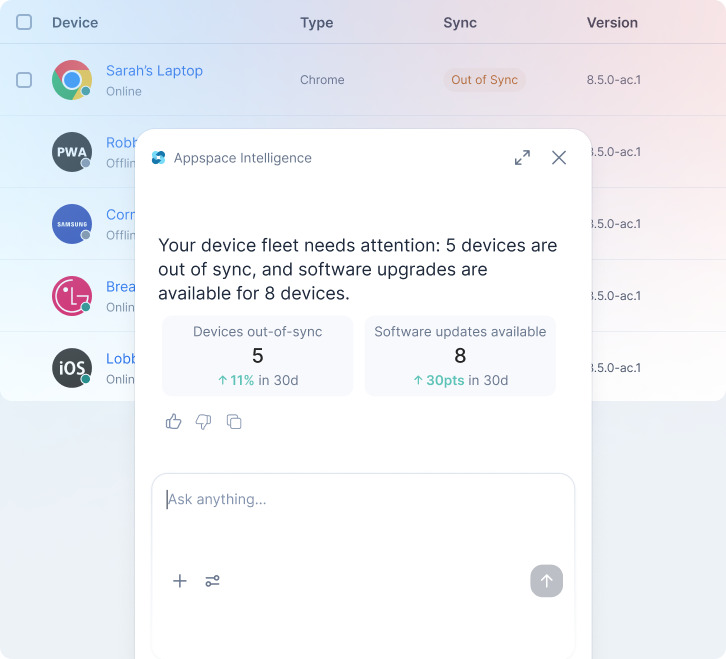
Turn complex analytics into straightforward questions, like:
Start with a pre-made AI template you can tweak, or build an ideal assistant from scratch. Control what it has access to and who can use it.
Get even more work done by connecting your AI assistant to ServiceNow, Workday, Jira, Microsoft 365, and other enterprise tools.
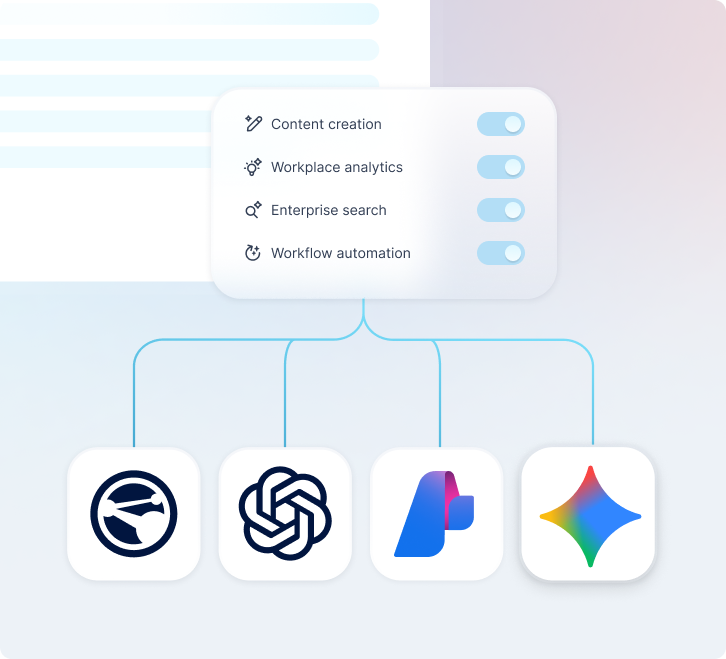
Choose different AI models for different tasks. Use Appspace’s default model, or connect Azure OpenAI, Microsoft Foundry, Gemini Enterprise, and more.
AI requests go through your AI provider via your own API keys, under your organization’s data agreements.
Track AI costs directly in your existing billing and reporting tools.
WORKPLACE COMMUNICATIONS
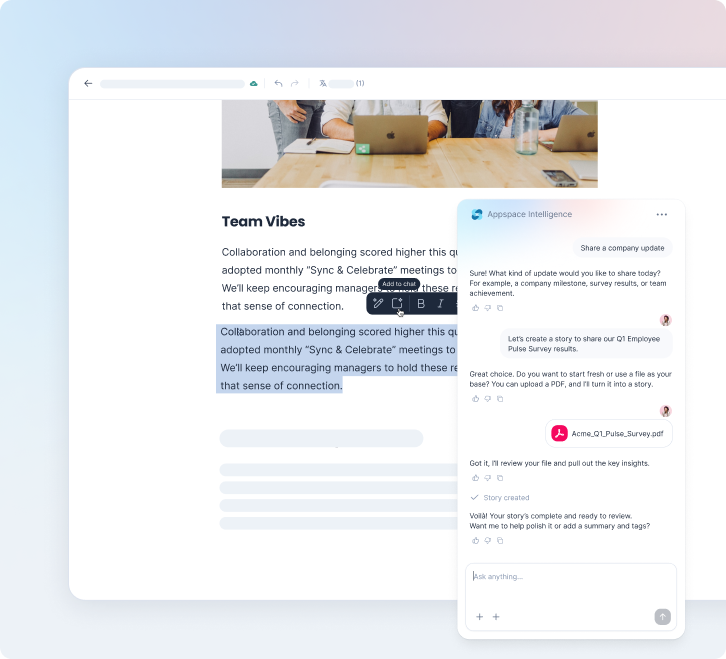
Prompt your way to on-brand visuals, persuasive copy, and snappy summaries, all in the style and tone you need.
Turn documents and updates into quick summaries and AI-narrated audio. Automatically apply keywords so content is always easy to find.
Automatically translate content into multiple languages. Reach more of your workforce and simplify cross-region collaboration.
Just ask, and your AI assistant helps you find desks and meeting rooms. Recommendations learn your style over time.
Plug your laptop into a docking station to automatically reserve or check in to a workspace.
Spot patterns in how teams actually use your space. Adjust room sizes, layouts, or booking rules based on real data instead of guesswork.
SOC 2 Type II · ISO 27001 · GDPR · SSO / SAML · Role-based access controls

FAQS
Workplace AI is artificial intelligence built into the tools people use every day at work, instead of being a separate chatbot bolted on top. It helps with communications, space booking, and content creation. In Appspace, that means AI that drafts copy, answers questions, and finds you a meeting room, right inside the platform you already have.
Appspace Intelligence is the AI layer built into Appspace’s tools. It connects data across your Signage, Intranet, Workspace, and Visitors solutions. AI generates content, surfaces insights, and powers assistants that can take action (like booking a room or answering a question) right inside the tools your teams already use.
Appspace Intelligence is built into the Appspace platform, not a standalone app to manage separately. It works inside Signage, Intranet, Workspace, and Visitors. You can also choose to connect the AI providers you already use to use their models in your workflows.
Appspace Intelligence runs on its own default AI model out of the box. You can connect providers like Azure OpenAI, Microsoft Foundry, or Gemini Enterprise, so you’re using the models your company already has agreements with.
Yes. You can enable or disable AI features by user or role, so you can roll features out to the teams that need them.
Yes. Built-in translation lets content published in one language reach employees in the language they read best, without a separate translation tool or manual process.
Yes. Appspace Intelligence runs on the same SOC 2 Type II and ISO 27001-certified platform as the rest of Appspace, and IT can enable or disable AI features by user or role with granular governance controls. When you use your own AI model, AI requests route through the provider’s API, so you can track usage and cost on that account’s dashboards.
Book a personalized demo and we’ll show you how Appspace connects every employee – from head office to the frontline.


© 2026 Appspace Inc. Appspace is a registered trademark of Appspace Inc. All rights reserved.