Appspace is a Leader in the Gartner® Magic Quadrant™ for Intranet Packaged Solutions | Get the report >
Turn every screen into a communication channel. Broadcast live updates, announcements, and branded visuals across offices, campuses, and remote sites.
WHY APPSPACE?
SoC devices, Webex, and Microsoft endpoints – Appspace works with all of it.
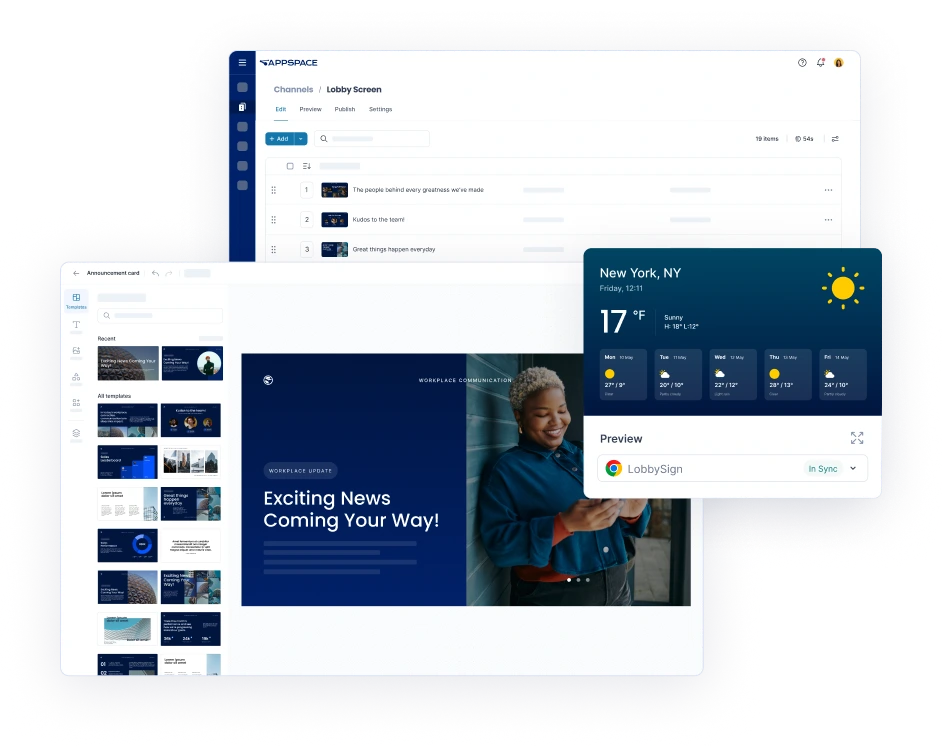
Design, preview, and publish to signage, intranet, chat apps, and mobile – from one console.
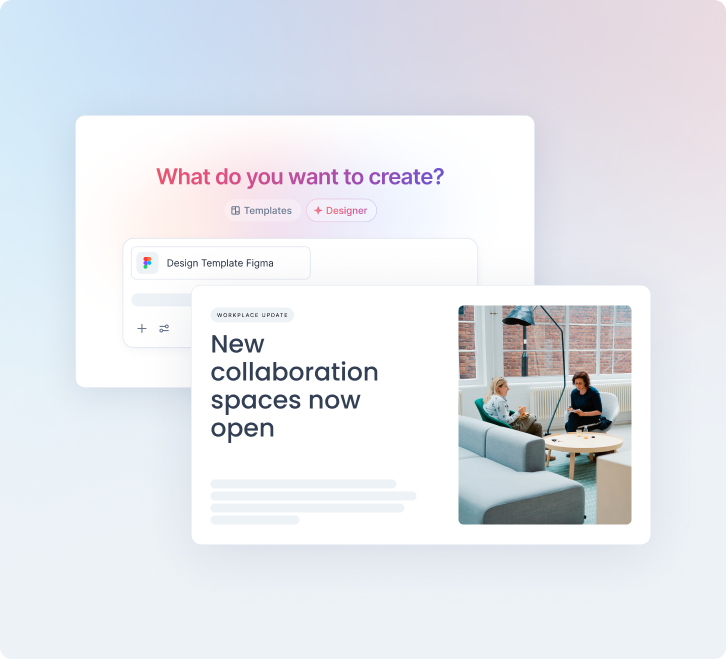
Generate on-brand visuals, layouts, and translations automatically.
CONTENT CREATION & PUBLISHING
Customizable templates for news, dashboards, and live data — including YouTube, Salesforce, and Zoom feeds.
Same content, simultaneously on signage, intranet, and chat. No re-creating things in multiple tools.
Type a brief and get a fully laid-out, on-brand signage card ready to publish in seconds.
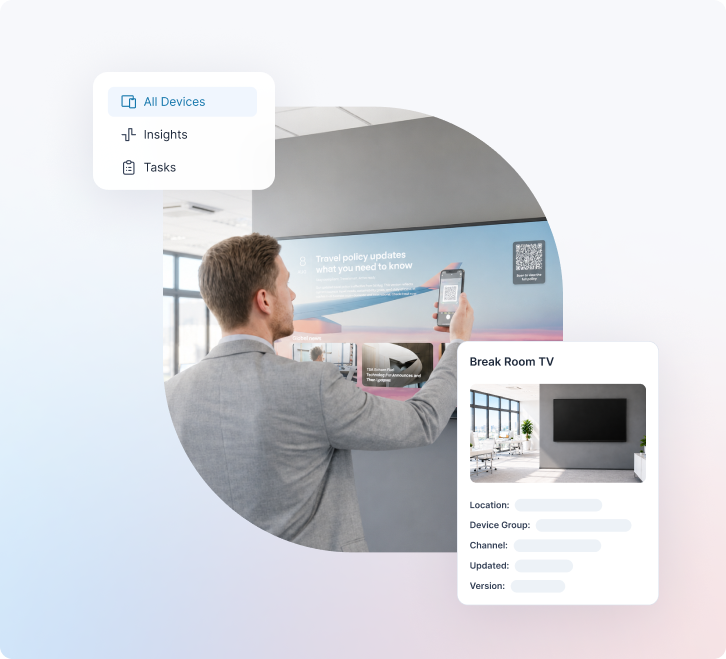
Smart TVs, SoC devices, kiosks, and room panels. If it has a screen, Appspace can probably run on it.
Check connection status and push software updates from your dashboard. No on-site visits needed.
Offline playback means no blank screens, no embarrassing outages, no calls from facilities.
MULTI-CHANNEL COMMUNICATIONS
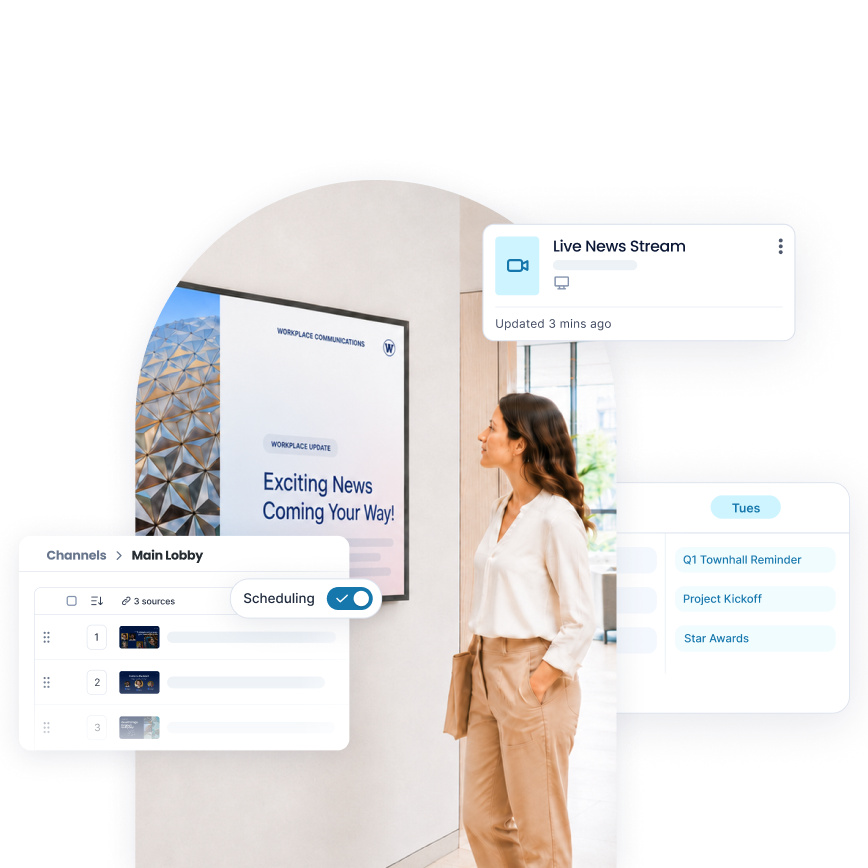
Plan, schedule, and manage your signage across locations. Spot gaps before they become blank screens.
Morning welcome, midday safety tip, after-hours alert – all scheduled automatically based on time and location.
Integrates with Vbrick, MediaStar, and Haivision for live IPTV on any screen.
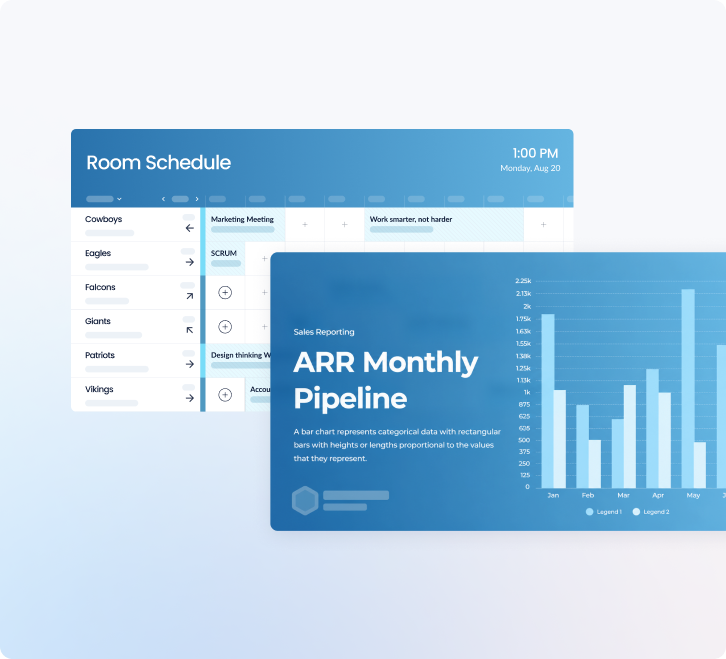
Calendar and room status from Outlook and Google Workspace, displayed automatically – no manual updates.
Salesforce, Power BI, and service dashboards on screen in real time.
Signage works alongside Appspace Workspace, Visitors, and Intranet — consistent experience across every surface.
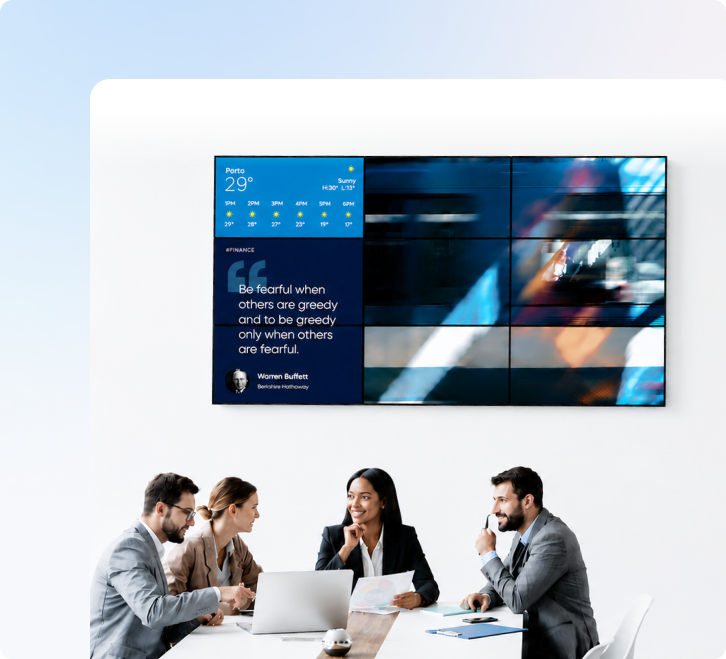
Perfect for large visuals, video, or live dashboards in high-traffic spaces.
2×2 grid, portrait strips, fully custom installs – Appspace handles the layout.
Video walls and standard signage in the same Appspace console. No separate tool, no separate login.
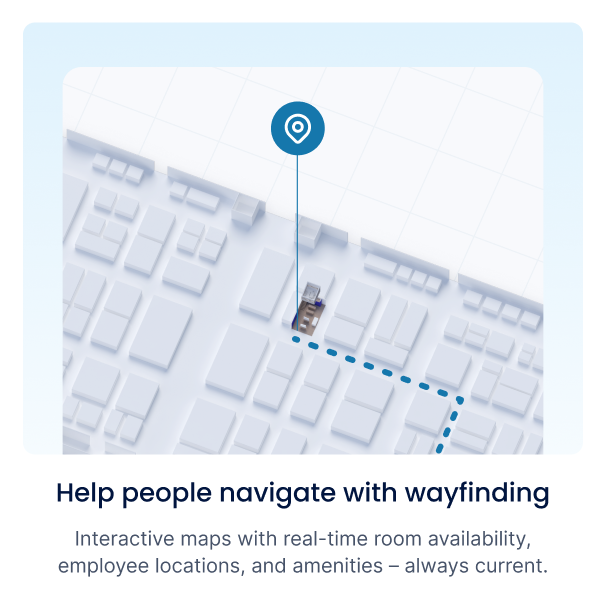
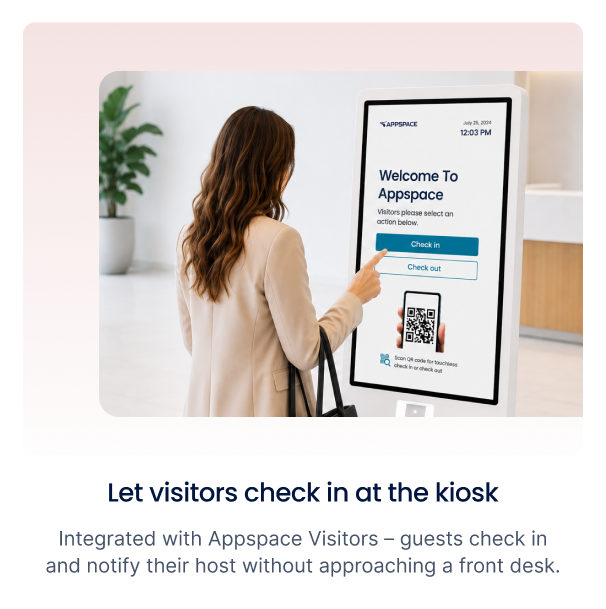
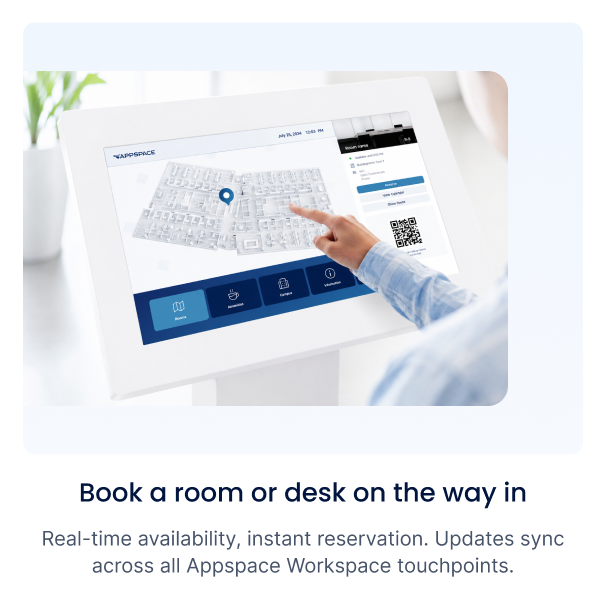
APPSPACE KIOSKS & WAYFINDING
SOC 2 Type II · ISO 27001 · GDPR · SSO / SAML · Role‑based access controls

FAQS
What is digital signage software?
Digital signage software is a platform used to create, manage, and display dynamic content – such as announcements, dashboards, videos, and alerts – on screens across a workplace. With Appspace, this extends beyond signage: you can manage displays from a central cloud dashboard, publish content across multiple channels like intranet, mobile, and Microsoft Teams, and track engagement with built-in analytics.
How does Appspace’s digital signage work?
Creating eye‑catching signage with Appspace is simple. Choose a ready‑made template, add your content, and publish to any display. With Appspace, you can also share the same content across the mobile app, intranet, Teams, email, and digital kiosks – create once, publish everywhere for maximum reach.
What hardware devices do I need for Appspace digital signage?
Appspace works with the hardware you already have. Use an all‑in‑one system‑on‑a‑chip (SoC) display or a traditional screen with a media player. The platform is device‑agnostic and supports leading brands like Samsung, LG, Cisco, and BrightSign.
Which content integrations are available with Appspace Signage?
Appspace integrates with dozens of popular apps including YouTube, Salesforce, Zoom, Facebook, Instagram, and Power BI. You can also display live data feeds, news, and custom dashboards using Appspace content cards.
Digital signage software is a platform used to create, manage, and display dynamic content – such as announcements, dashboards, videos, and alerts – on screens across a workplace. With Appspace, this extends beyond signage: you can manage displays from a central cloud dashboard, publish content across multiple channels like intranet, mobile, and Microsoft Teams, and track engagement with built-in analytics.
Creating eye‑catching signage with Appspace is simple. Choose a ready‑made template, add your content, and publish to any display. With Appspace, you can also share the same content across the mobile app, intranet, Teams, email, and digital kiosks – create once, publish everywhere for maximum reach.
Appspace works with the hardware you already have. Use an all‑in‑one system‑on‑a‑chip (SoC) display or a traditional screen with a media player. The platform is device‑agnostic and supports leading brands like Samsung, LG, Cisco, and BrightSign.
Appspace integrates with dozens of popular apps including YouTube, Salesforce, Zoom, Facebook, Instagram, and Power BI. You can also display live data feeds, news, and custom dashboards using Appspace content cards.
Appspace Signage isn’t just a standalone tool – it’s part of a connected workplace experience platform. That means your screens share the same content, data, and employee experience as your intranet, space reservation, visitor management, and wayfinding. This all‑in‑one approach means less costs, simplified management, and a consistent communication experience for every employee.
Appspace supports all major image and video formats, including .jpg, .png, .gif, .mp4, and .mov, across multiple operating systems.
Easily! Appspace provides a location hierarchy for organizing content by building, region, or campus. You can assign user permissions by role, so each team controls only what’s relevant to their sites.
What makes Appspace different from other digital signage solutions?
Appspace Signage isn’t just a standalone tool – it’s part of a connected workplace experience platform. That means your screens share the same content, data, and employee experience as your intranet, space reservation, visitor management, and wayfinding. This all‑in‑one approach means less costs, simplified management, and a consistent communication experience for every employee.
What file types does Appspace Signage support?
Appspace supports all major image and video formats, including .jpg, .png, .gif, .mp4, and .mov, across multiple operating systems.
How can I manage digital signage across multiple locations?
Easily! Appspace provides a location hierarchy for organizing content by building, region, or campus. You can assign user permissions by role, so each team controls only what’s relevant to their sites.
Book a personalized demo and we’ll show you how Appspace connects every employee – from head office to the frontline.


© 2026 Appspace Inc. Appspace is a registered trademark of Appspace Inc. All rights reserved.