Carina: new features to power your workplace experience
Our Q2 release is here, and it’s one of the most feature-rich updates we’ve delivered yet. From AI-powered tools and smarter content authoring to deeper integrations and enhanced digital signage support, Carina is designed to make your workplace smarter, more connected, and easier to manage than ever before.
Whether you’re an admin looking for more control, a communicator who wants to spend less time formatting and more time connecting with your audience, or an IT leader focused on scalability and performance, this release has something meaningful for you.
Check out the video below or keep reading to learn about some of the stars of this release.
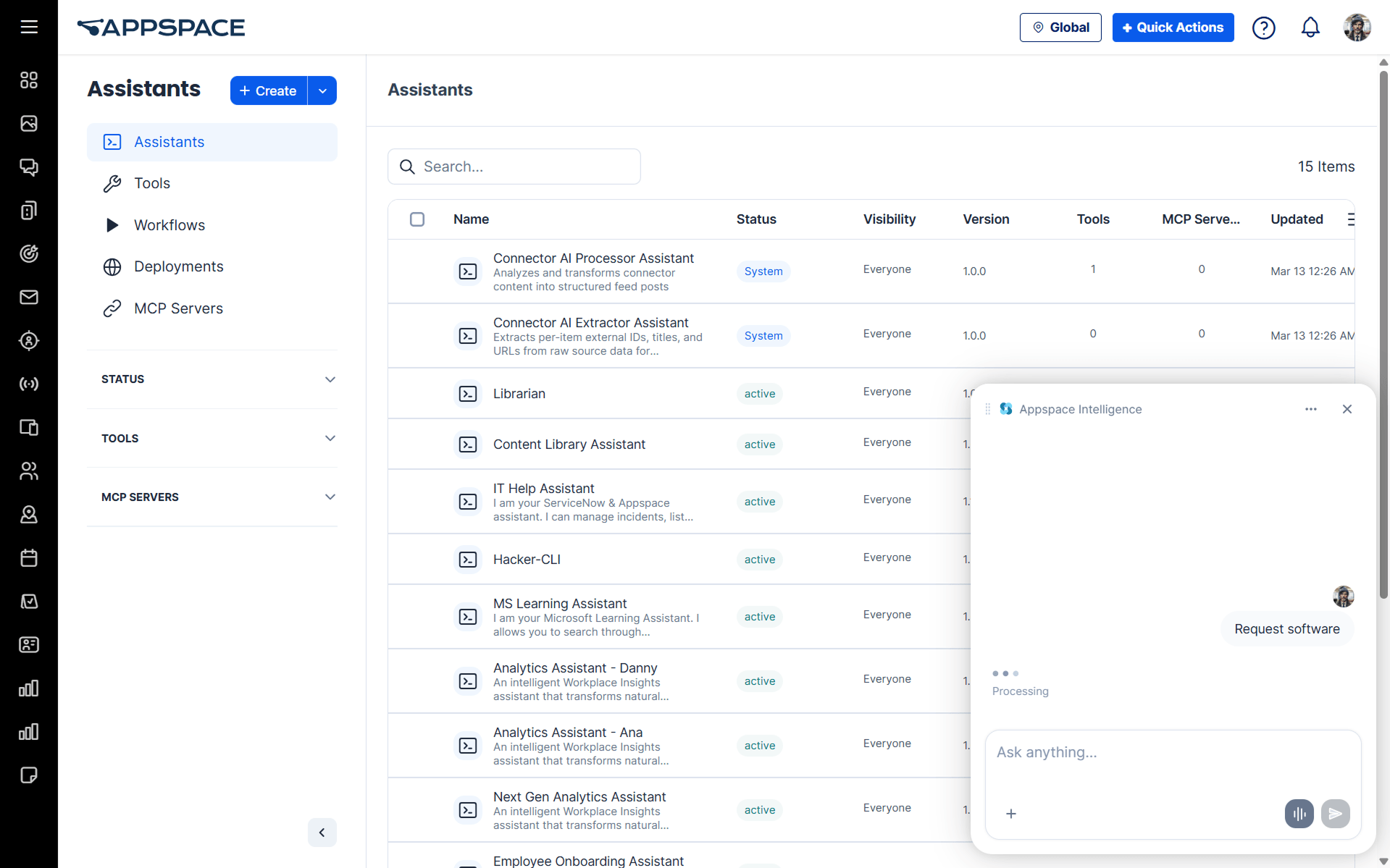
Custom Assistants
Create and manage custom AI assistants based on your unique instructions, tools, and workflows. Test your Assistant before going live, and use role-based controls to ensure only the right people can build and manage them.
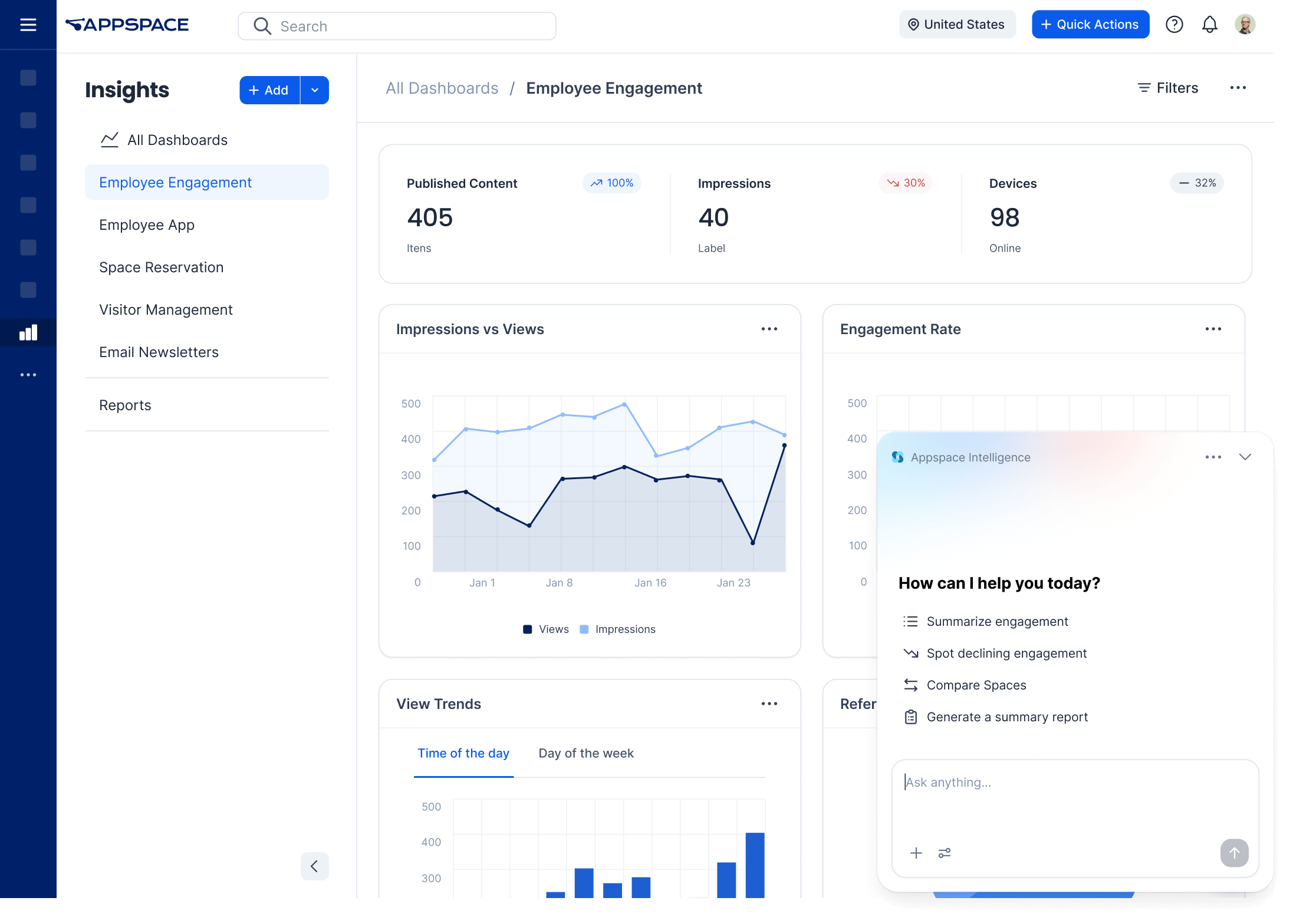
Insights Module
The Analytics module is now the Insights module. Where Analytics gave you data, Insights gives you instant answers. Ask questions on the latest trends and engagement patterns and create custom dashboards that can be shared with specific users or embedded directly in Appspace Intranet. With the new Insights module, information is always front and center.
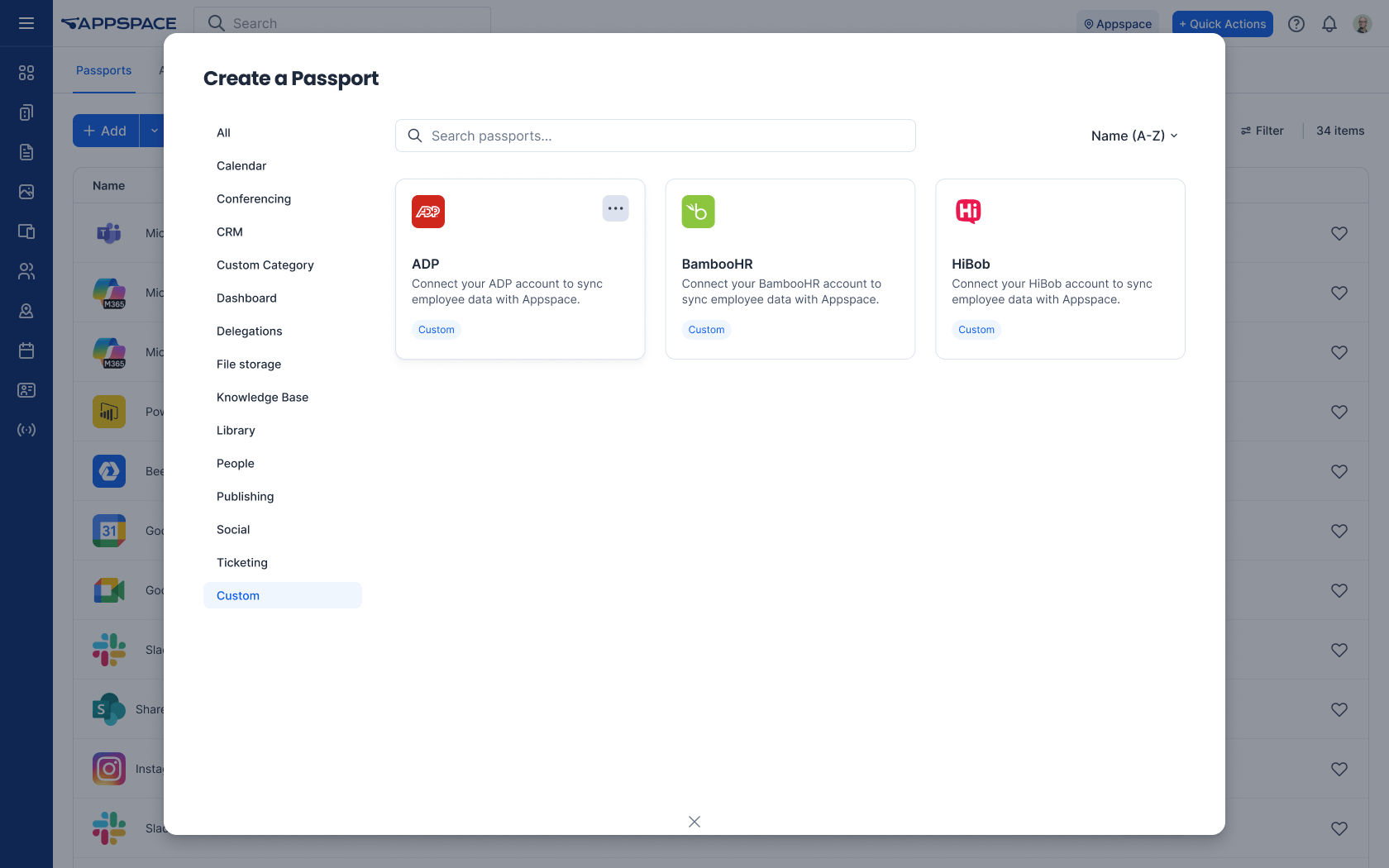
Custom Passports for Intranet
Connecting Appspace to the tools your business already relies on is now simpler than ever. With Custom Passports, admins can build widgets to display live, real-time data from the tools that matter most to your team. No complex setup or custom development needed.
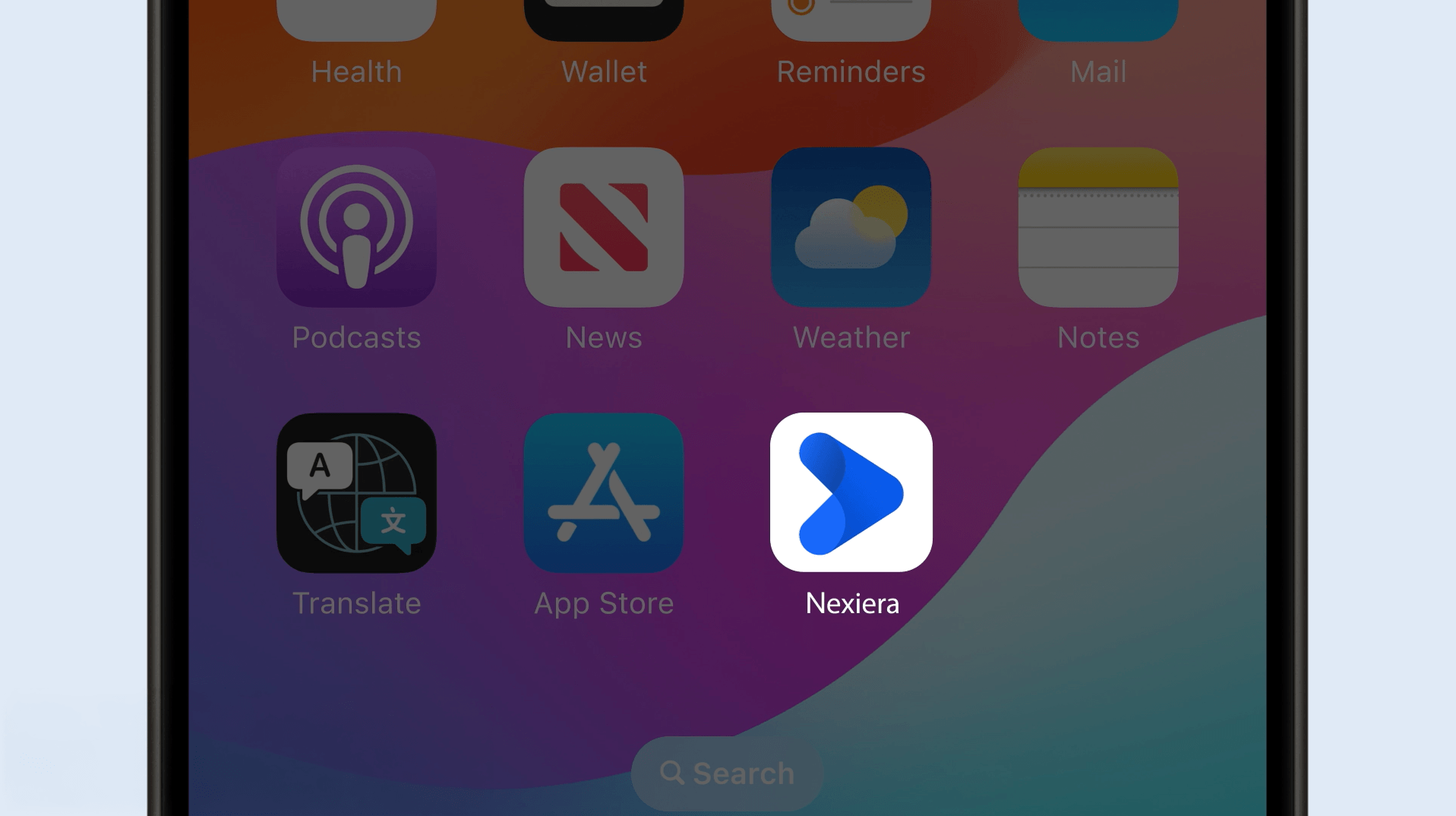
Branded mobile app publishing
Need your own branded app? Just provide your assets once, and Appspace will build and publish your company-branded app to the Apple App Store and Google Play Store as an unlisted app. Whenever a new version of Appspace is released, your branded app will be updated automatically.
Brand Center for Intranet
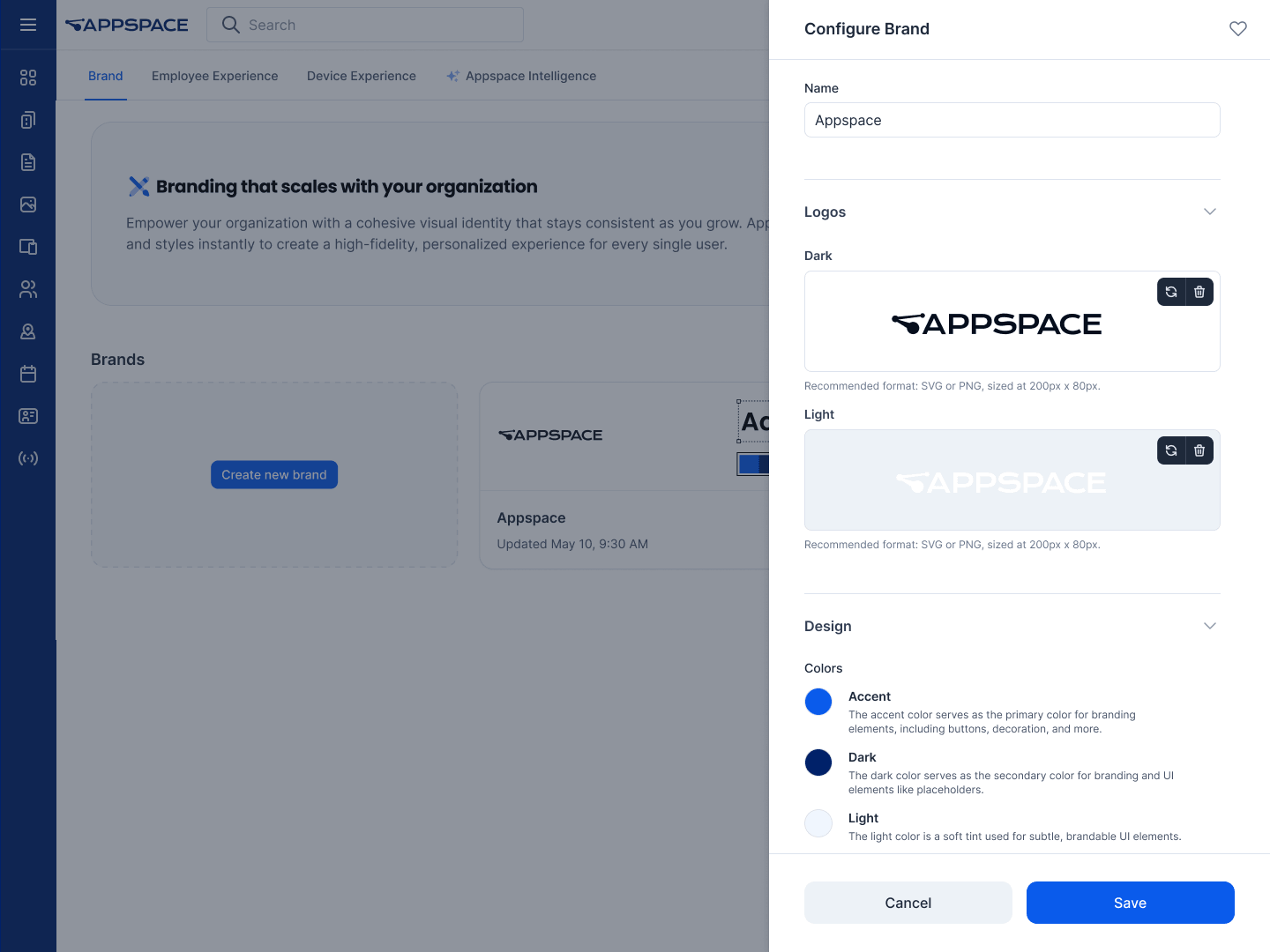
With the new Brand Center, admins can define a single brand profile — setting approved logos, colors, and fonts all in one place. Those assets are automatically populated throughout your intranet, so your content always remains consistent and on brand.
Conversational Authoring
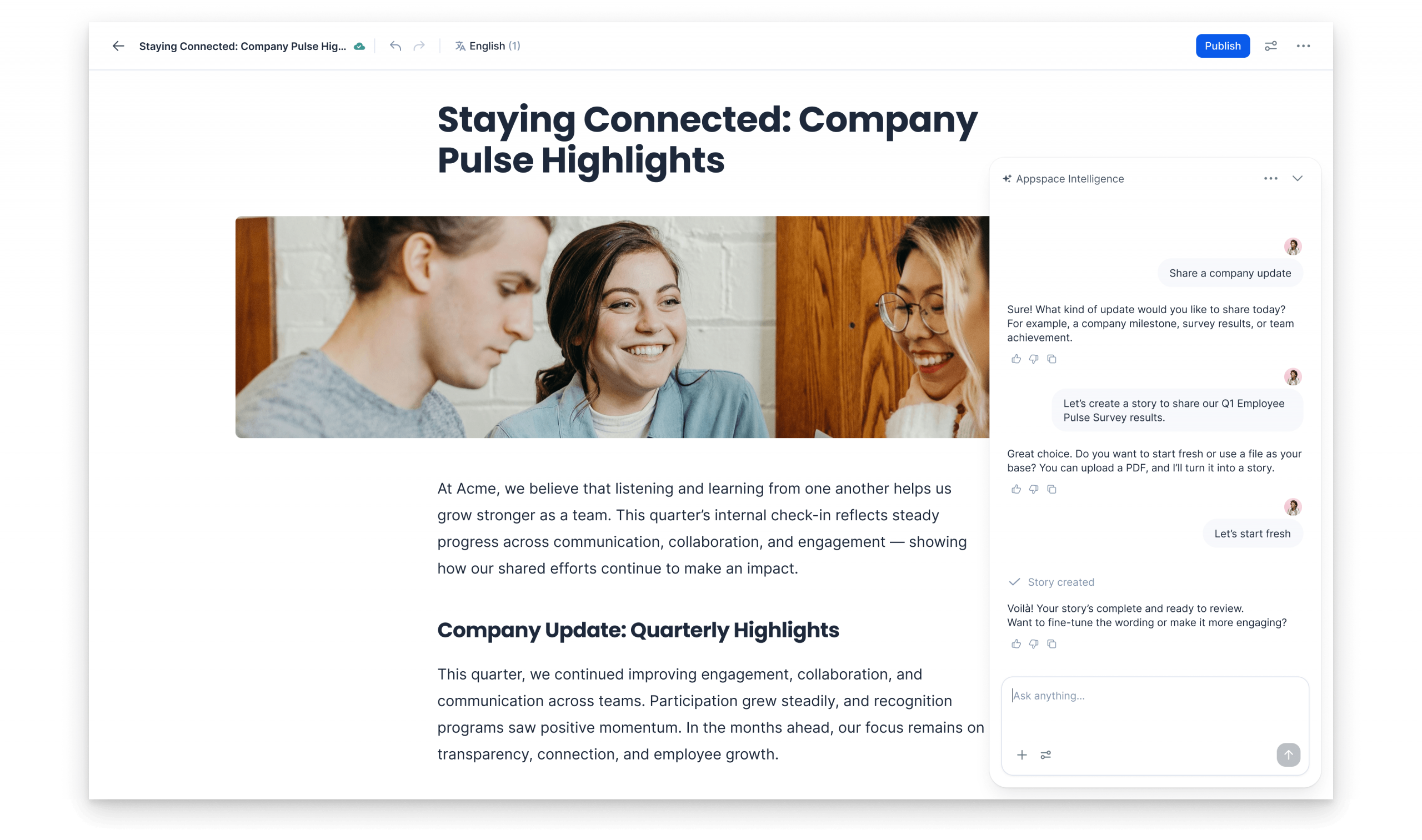
Turn a single prompt into fully structured, multi-block Pages and Stories with Conversational Authoring. It uses AI to instantly organize your headings, text, and layouts so you can spend less time formatting and more time communicating.
Content Acknowledgement
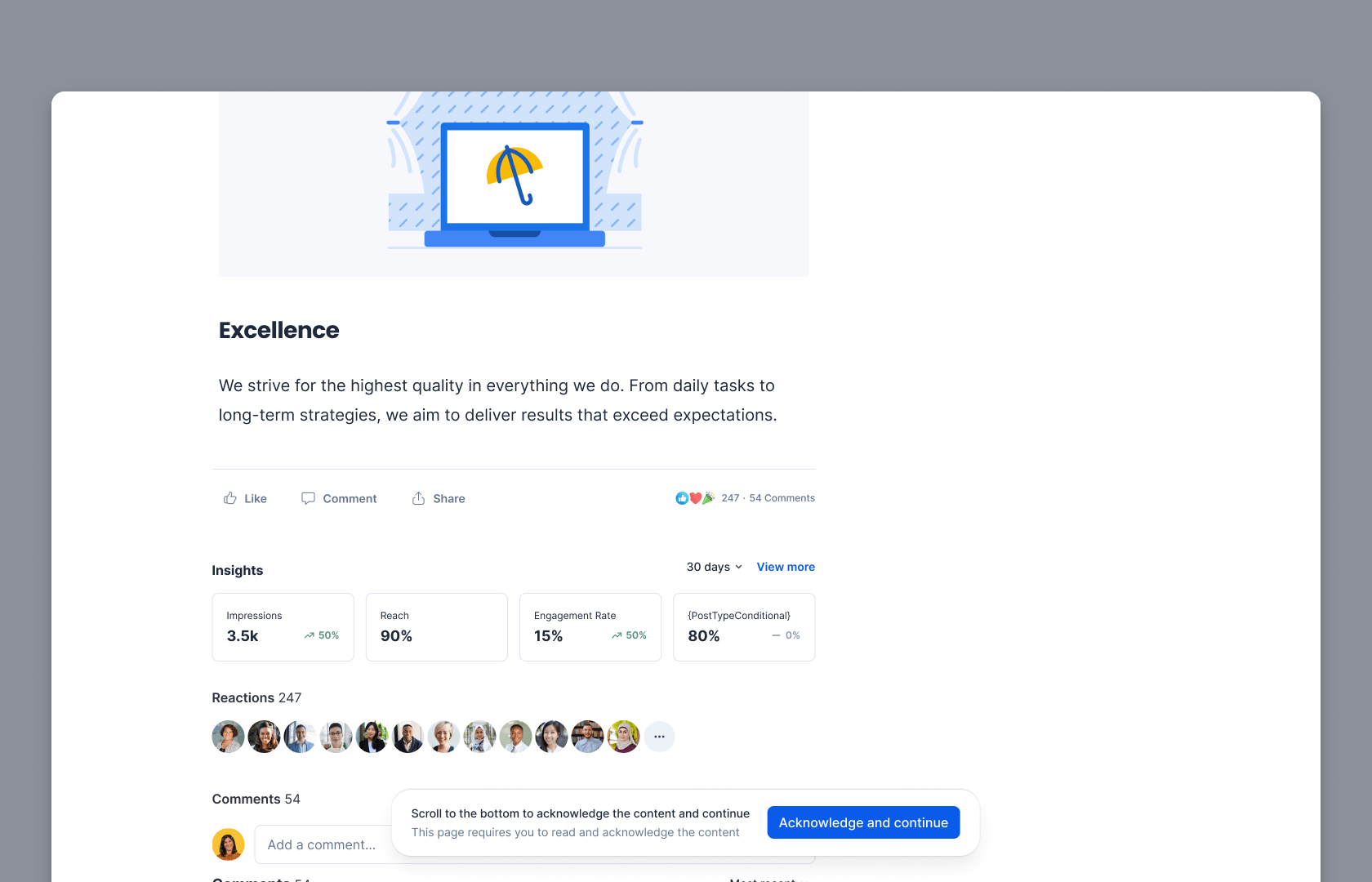
Require a formal acknowledgment of mandatory content like safety procedures or policy changes with Content Acknowledgement. Employees receive notifications for essential Pages and Stories and can confirm completion with a single click, providing admins with real-time compliance tracking and total peace of mind.
Document Library Support for Box and Google Drive
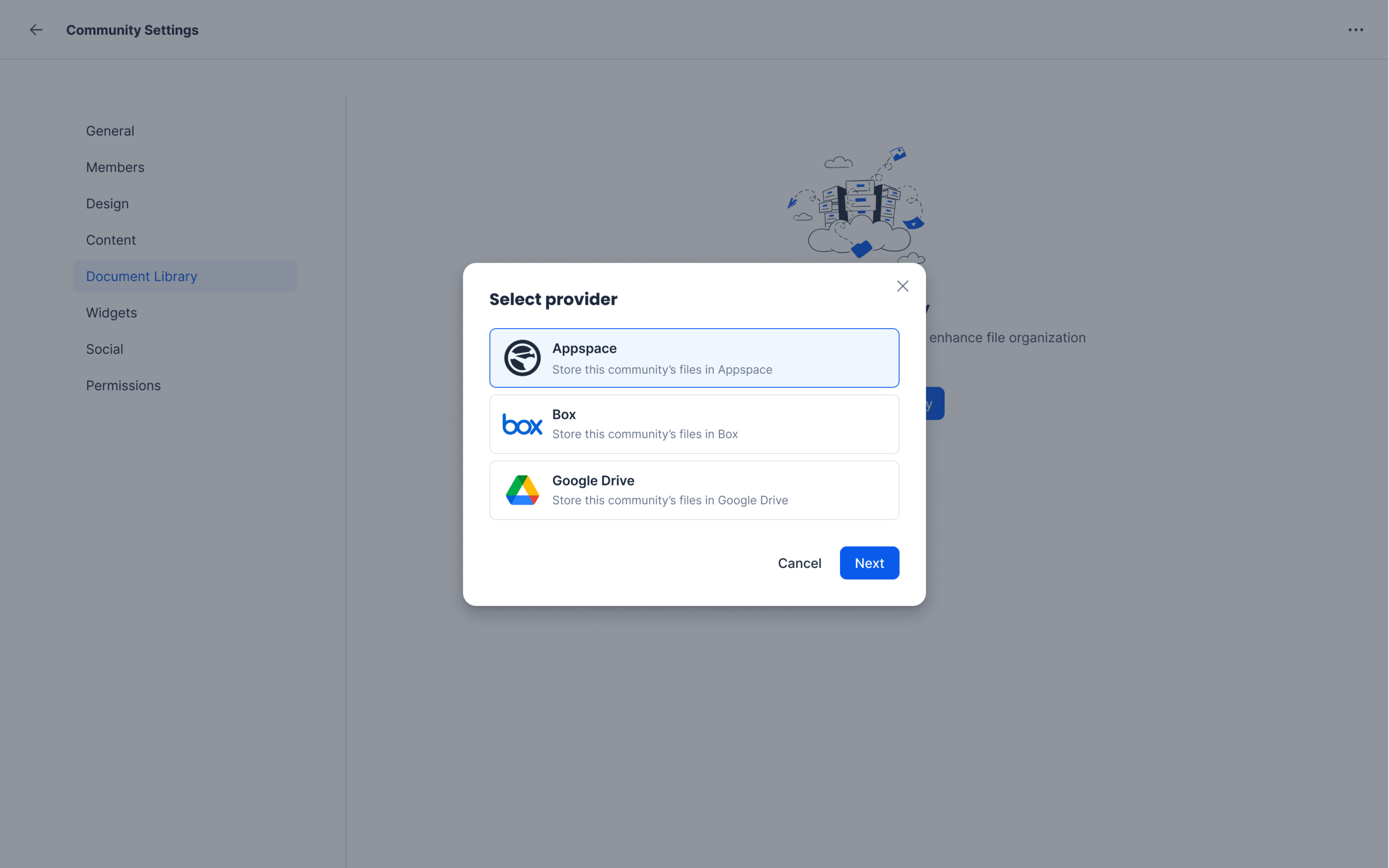
Share, collaborate, and access documents with ease by connecting Box and Google Drive libraries directly to Communities, giving your teams a central place to access and manage all their files. Now you can create, edit, rename, move, and organize your files and folders without ever breaking your workflow or switching platforms.
MTR enhancements
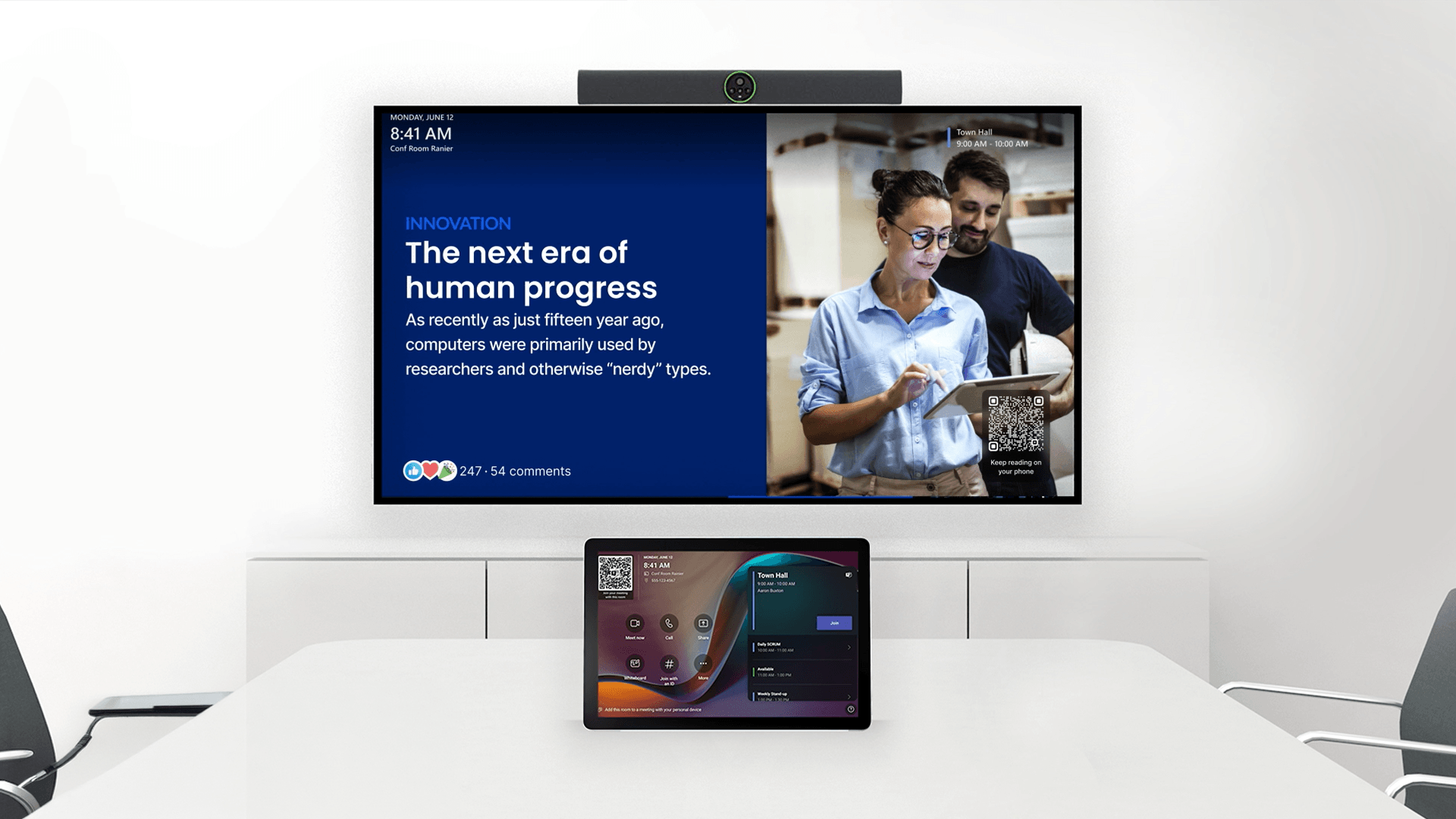
We’re introducing several enhancements to our Microsoft Teams Rooms integration including full support for Android-based devices, providing more hardware flexibility. We’ve also added automated deployment tools that handle registration and tagging at scale, and features like low-bandwidth mode and PWA caching to ensure peak performance.
Signage Content Calendar
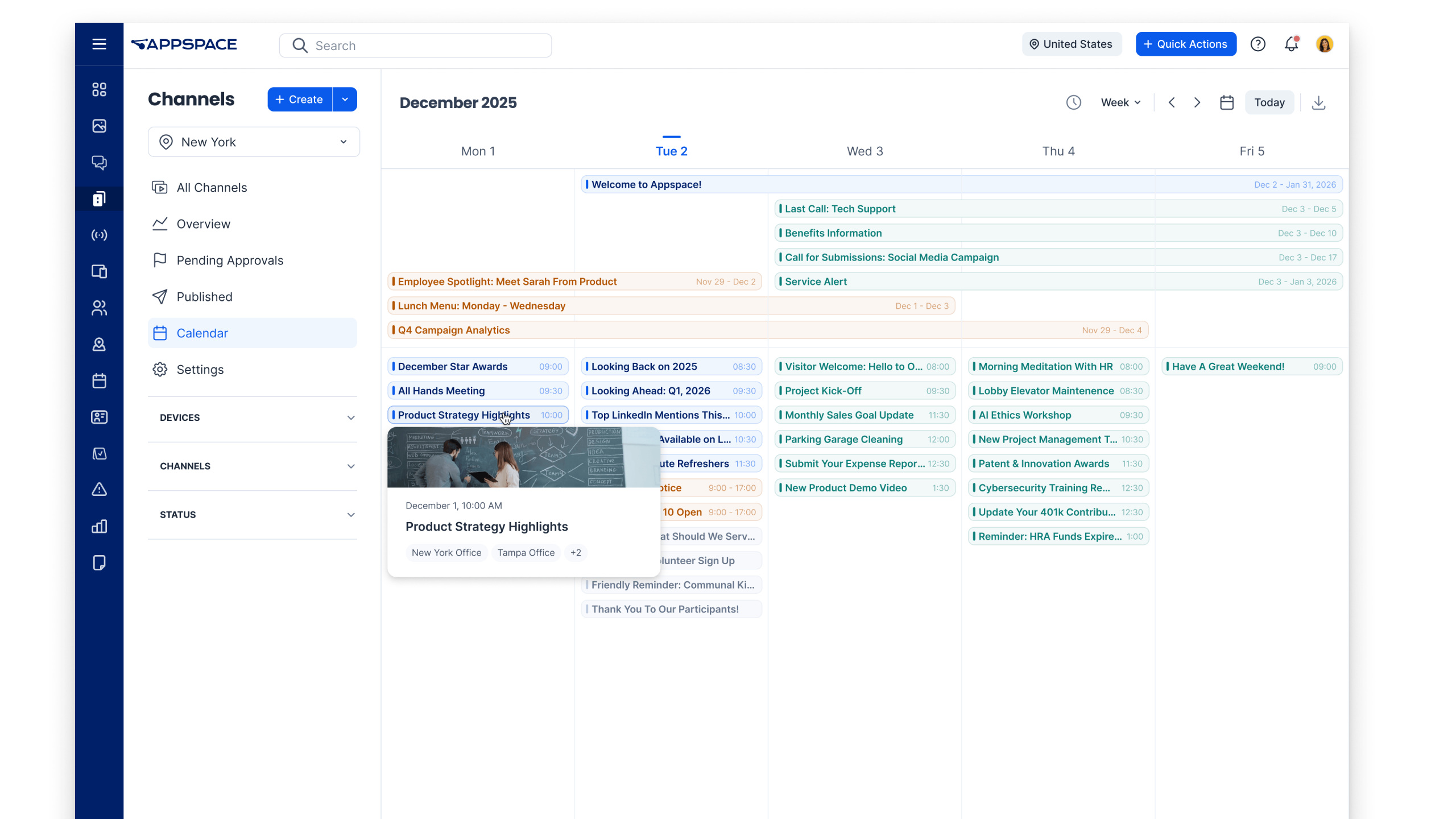
Access a centralized calendar displaying your planned content schedules by week, month, or a custom date range. With powerful filters to refine results by devices, channels, and publishing status, you can proactively spot upcoming expirations and eliminate content gaps before they happen as well as visualize overlapping planned content.
BrightSign Series 6 XD certification
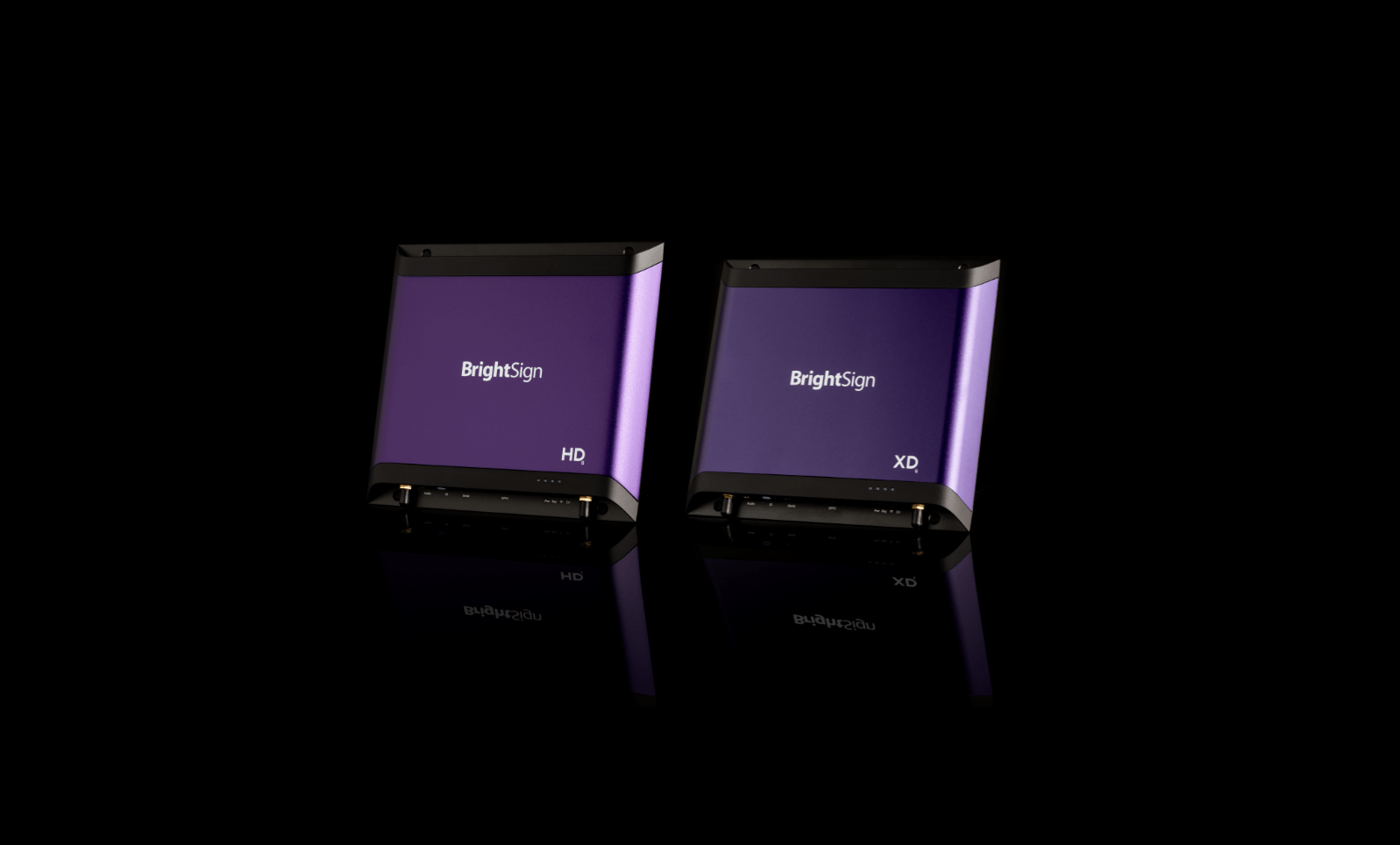
Appspace now supports BrightSign’s new Series 6 devices, giving you the confidence to deploy cutting-edge digital signage hardware without any compatibility concerns. Whether you’re upgrading your existing fleet or rolling out a new signage deployment, we keep pace with the latest hardware so your digital signage investment stays future-ready.
Service Request enhancements
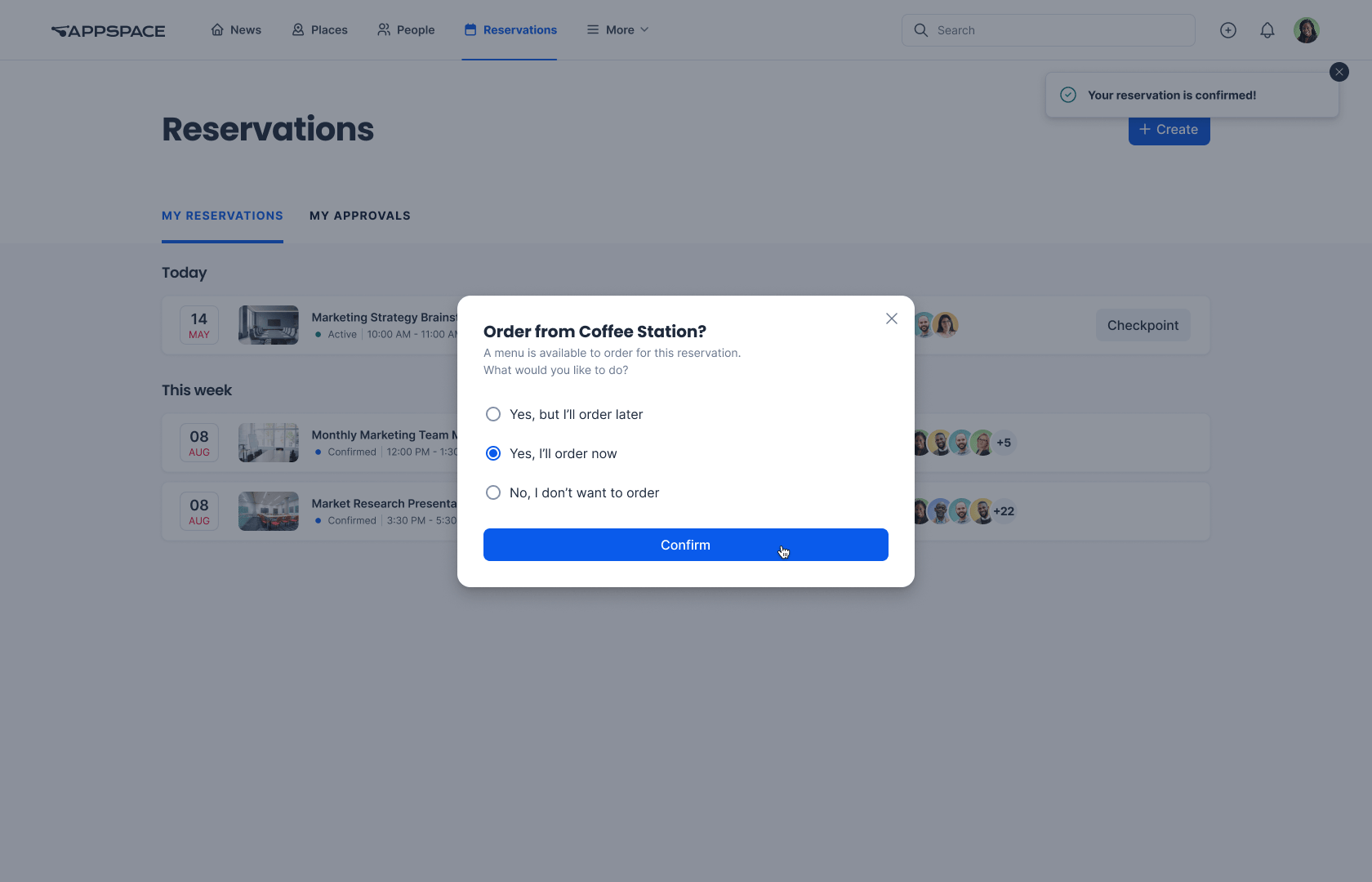
We’re bringing greater flexibility and control to service requests. Users can now add or update services on existing reservations, while admins can mark critical services as mandatory to ensure nothing gets missed.
Beyond the stars
Carina includes dozens of other enhancements to help you create a workplace your employees love. Here’s a look at some other items you can find in this release.
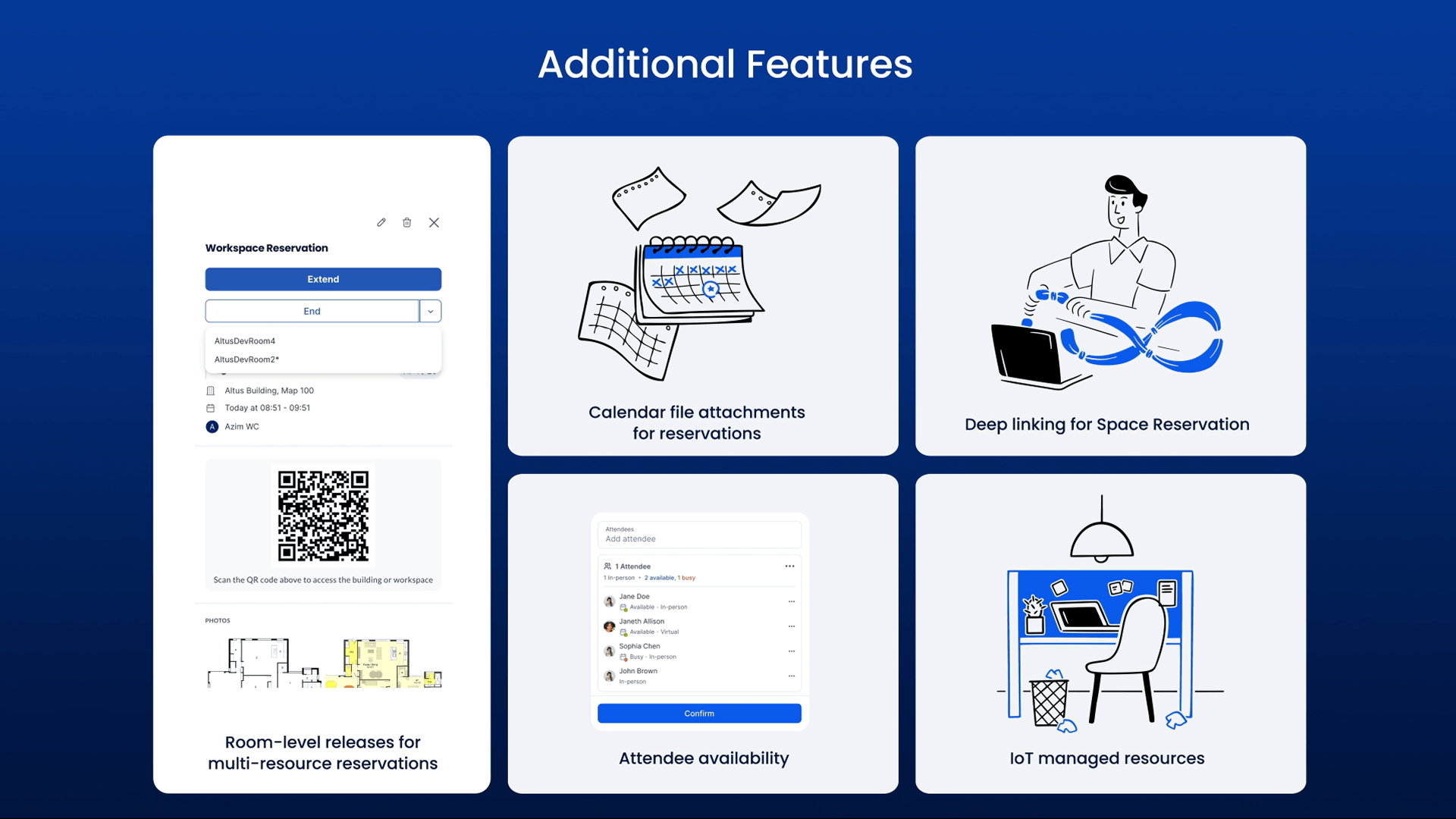
Room-level releases for multi-resource reservations – Release rooms early without canceling the full reservation, keeping all associated services, check-ins, and meeting links intact while instantly updating room availability for others to book.
Calendar file attachments for reservations – Ensure reservation details are always accurate and accessible by automatically attaching .ICS files to reservations, reducing errors and scheduling friction.
Deep linking for Space Reservation – Generate shareable URLs that take employees directly to specific booking views, enabling integration with your intranet widgets.
IoT managed resources – Designate specific spaces as reservable exclusively through sensor-driven or device-based IoT workflows.
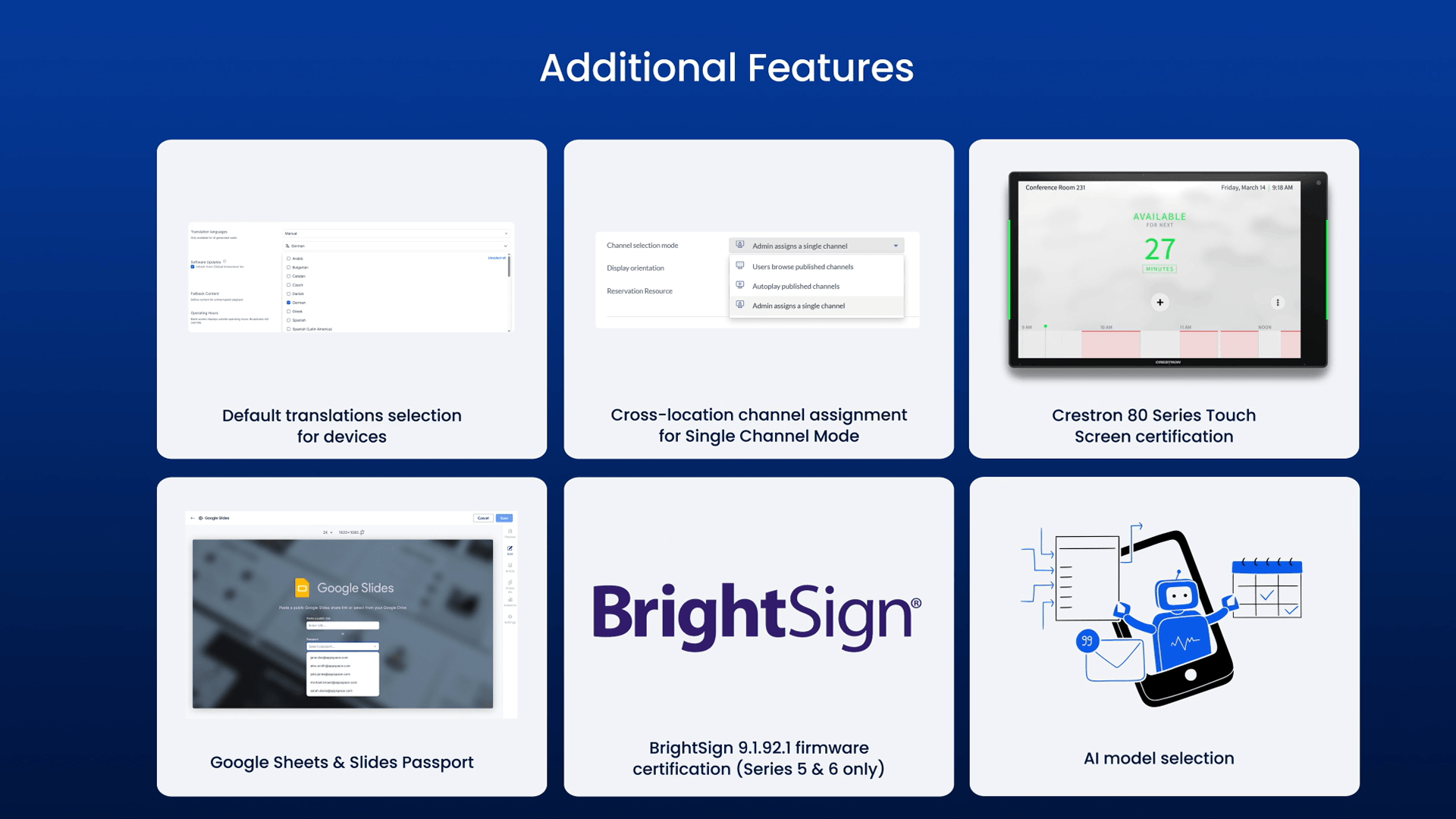
Default translations selection for devices – Deselect English as the default from the translation language list in device and location settings for AI cards, providing complete control over which languages are displayed.
Cross-location channel assignment for Single Channel Mode – Assign Channels from across your entire location hierarchy — not just the immediate location level — eliminating the need to duplicate Channels at every sub-location.
Crestron 80 Series Touch Screen certification – Appspace now supports Crestron’s latest panels (TSS-880, TSS-1080) with bulk MAC address registration, expanding available hardware options.
Google Sheets & Slides Passport – Securely display private Google Drive files on digital signage through an authenticated flow with integrated file picker and URL options.
BrightSign 9.1.92.1 firmware certification (Series 5 & 6 only) – Appspace now supports BrightSign firmware 9.1.92.1 on Series 5 and 6 devices, giving you confidence to upgrade to the latest firmware while maintaining compatibility, performance, and access to the newest security improvements.
AI model selection – Select your preferred AI provider to ensure Appspace aligns with your corporate vendor strategies, data governance requirements, and existing enterprise agreements.
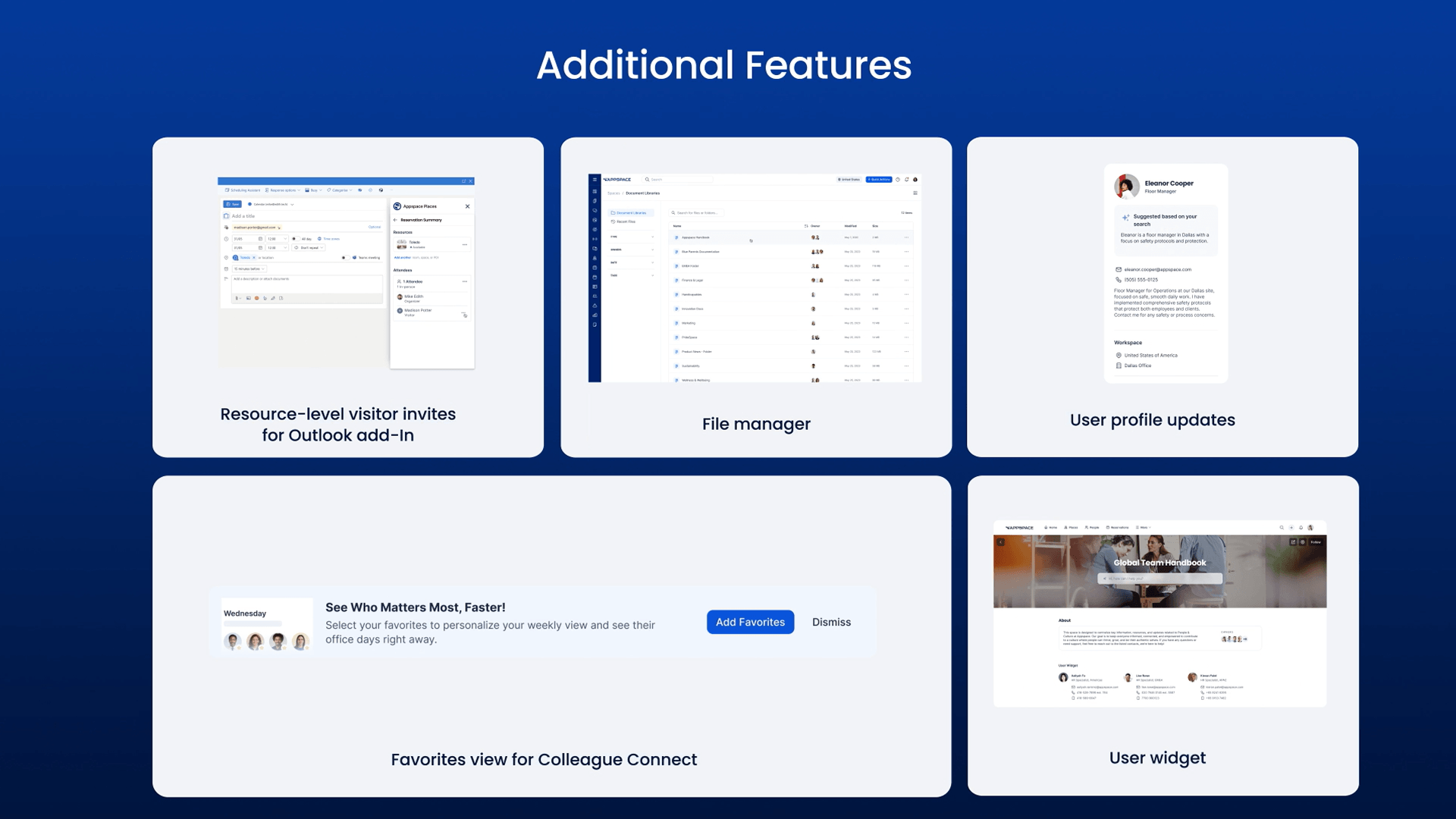
Resource-level visitor invites for Outlook add-in – Manage external visitor invitations entirely within Outlook with consistent rules, accurate attendee statuses, and a friction-free scheduling flow.
File manager – Complete visibility and control over all platform files through advanced search, filtering, bulk actions, and rich metadata.
User profile updates – Surface richer people data, streamline colleague discovery, and foster deeper connection across distributed teams.
Favorites view for Colleague Connect – Colleague Connect now displays a guided favorites banner when no favorites are selected and introduces a personalized default view setting.
User widget – Showcase members by group, audience, or individual selection across Appspace Intranet — with configurable display options like photo, name, title, and location.
To learn more about the entire Carina release, view the full release notes.