
Video walls are having a moment – here’s why workplaces love them
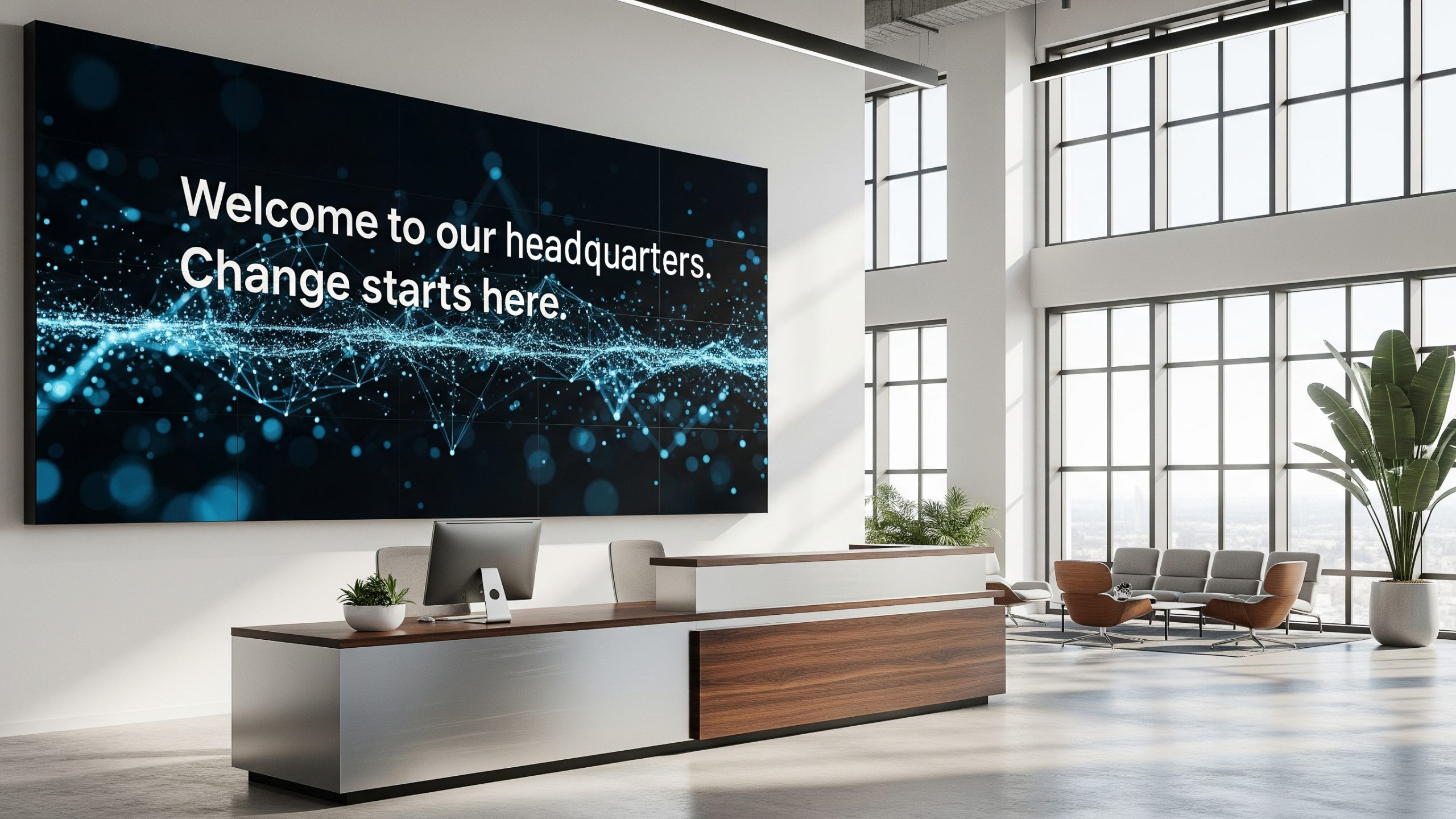
Some messages need a bigger canvas. One that’s more than a hallway poster or a send-to-all email missive. Whether you’re broadcasting live data, highlighting a big campus event, or showing a message from the CEO, video walls are designed to get noticed.
Think of video walls as the communication A-listers for high-traffic areas. They’re eye-catching, dynamic, and when done right, incredibly informative. They give you the real estate to display complex visuals, like KPI dashboards, safety stats, or rotating leadership messages. without overwhelming your audience.
But here’s what really makes them a smart move for AV and Comms leaders: when you manage all your devices and displays from a single platform, video walls are an easy win. Instead of being one-off installations, they become a natural extension of your wider employee communications strategy for your devices and displays, working in sync with breakroom signage, room panels, and mobile updates to keep everyone informed, wherever they are.
Where do video walls make the biggest impact?
Video walls thrive in places where visibility matters. Here are a few standout examples:
Corporate lobbies: First impressions count. Use a video wall to showcase your mission, for live news, social feeds, and visitor information.
- Picture this: A financial services firm greets clients with a branded video wall displaying market updates and leadership messages.
University campuses: Think campus centers, libraries, and lecture halls. Highlight events, display class schedules, or showcase digital art by students.
- Picture this: A university uses a large video wall in its student union to display campus news, livestream events, and wayfinding for new students.
Manufacturing floors and control rooms: Show real-time production data, safety alerts and information, system diagnostics at scale.
- Picture this: A manufacturing plant uses a video wall in its control room to visualize equipment uptime, safety metrics, and shift performance dashboards.
Healthcare environments: Create a sense of calm in waiting rooms with curated content, or use walls in staff zones to stream training modules and policy updates.
- Picture this: A hospital installs a video wall in the staff lounge to deliver ongoing education, compliance updates, and staff recognition content.
Retail and hospitality: From digital menu boards to immersive brand storytelling, video walls are a natural fit for high-volume customer settings.
- Picture this: A luxury retail store uses an in-store video wall to loop high-impact brand campaigns and real-time promotional offers.
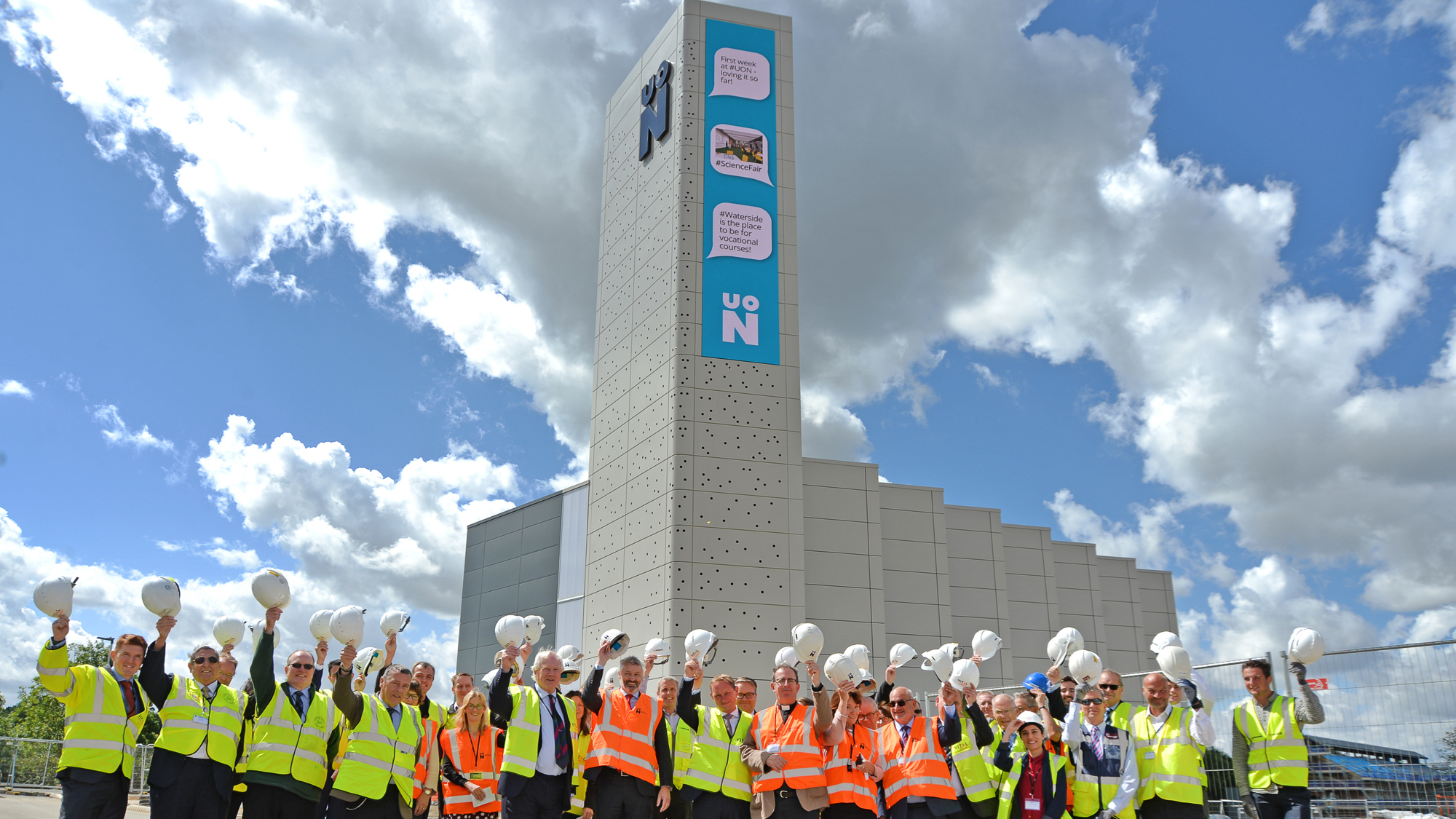
And if you’re looking to make a bold, memorable statement, just take a cue from the University of Northampton. They’ve improved campus communication with a smart mix of global, local, and real-time digital signage, including a 40-foot LED “Power Tower” that’s not just a digital display, but a landmark centerpiece for the campus and surrounding community.
How easy are video walls to install and manage?
You’ll be pleasantly surprised. Installing a modern video wall doesn’t have to be a massive undertaking. With today’s modular hardware and simple mounting systems, AV teams can get up and running fast.
But the real game-changer is the software. With the right platform (like Appspace), you can:
- Sync content across multiple displays or zones.
- Rotate messages based on time of day or audience.
- Manage everything from a single cloud dashboard.
- Push alerts instantly – ideal for emergencies or executive announcements.
Whether it’s a 2×2 setup or a full-scale auditorium wall, you control the content, timing, and layout from anywhere. No more USB sticks. No more on-site reprogramming.
What kind of content works best on video walls?
Video wall content is most effective when it’s purposeful, visually clean, and built for motion. You have space, so make the most of it.
Some content types that perform well:
- Live dashboards for operations, sales, or security.
- Event schedules and announcements.
- Social media feeds and company shoutouts.
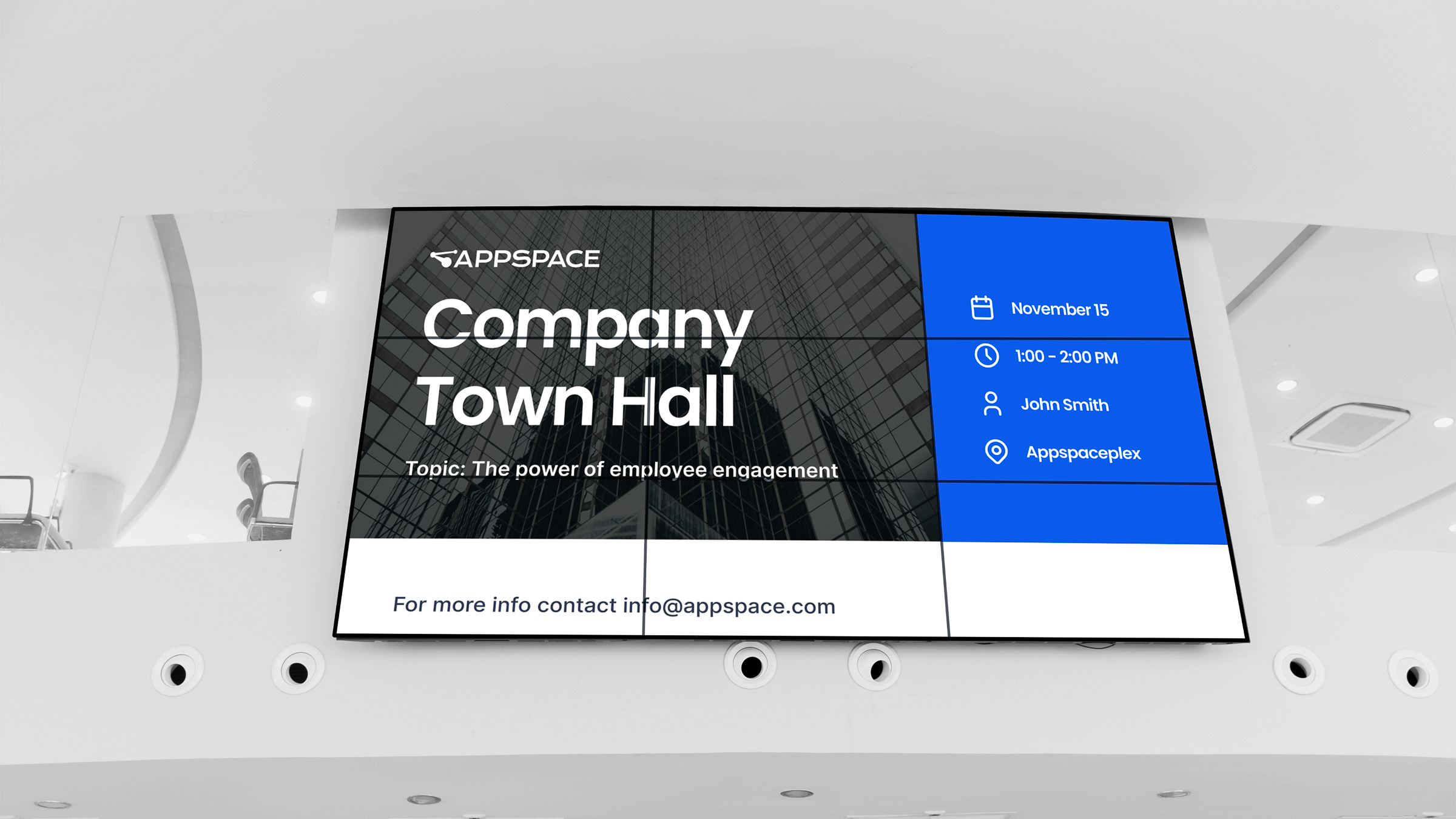
- Live or recorded video like town halls or CEO updates.
- Emergency messaging tied into your alert system.
- Branded ambient content to create atmosphere.
Pro tip: Design your video wall content like a digital magazine spread. Big headlines, strong visuals, and one key message per screen section give you a lot of bang for your buck.
Are video walls just for visitors, or do employees benefit too?
They’re for everyone. Visitors might only pass through your space once or twice, but employees see those screens every day. That’s why video walls are great for reinforcing company culture, celebrating wins, and keeping everyone aligned.
Use them in team lounges, café spaces, or near elevators to deliver:
- Recognition for milestones and birthdays.
- Rotating “Did You Know?” facts about policies, values, or benefits.
- Real-time updates that make people feel in the know.
It’s not just broadcast, it’s connection.
How do I keep our video wall strategy from going stale?
This is where many teams get stuck. You install a beautiful wall… three months later it’s still showing the same welcome video (and now everyone’s ignoring it).
Here’s how to avoid that:
- Use scheduling tools to keep content fresh automatically.
- Delegate content ownership by department. For example, let HR own one segment, Ops own another.
- Monitor engagement with analytics and swap out underperforming content.
- Create templates so updates are quick, on-brand, and don’t require a designer every time.
And yes, we’re biased, but Appspace makes all the above a breeze. It’s built to scale with you, whether you’re managing one wall or a global network of displays.
Find out more about Devices and displays in the workplace.
Why choose Appspace for video walls?
Because you want more than a screen, you want a smart, scalable system that:
- Supports every kind of display and layout.
- Makes video wall content easy to create, schedule, and update.
- Works with the hardware you already have (or plan to buy).
- Ties into your broader comms strategy, from mobile to room panels.
Whether you’re running a single lobby or 100 global offices, Appspace helps turn video walls into a key part of your employee and visitor experience.
Take a closer look at Appspace and schedule a demo to see it in action.

