

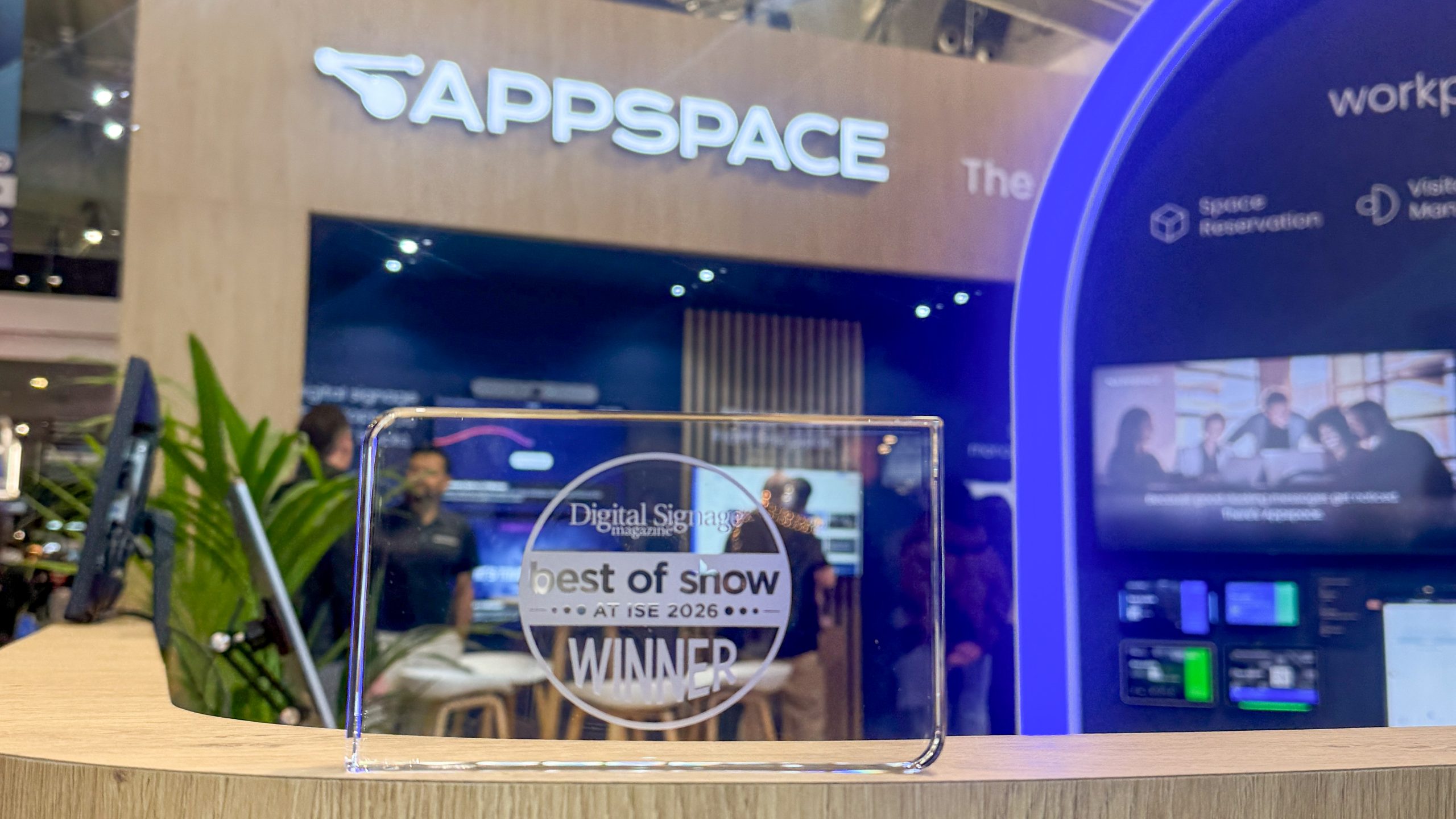
Microsoft Places integration wins Appspace Best of Show at ISE
ISE 2026’s Best of Show highlights solutions that solve real workplace problems in practical ways. That focus on practical impact is what set us apart (again) this year.
Appspace recently earned a Best of Show Award in the Digital Signage category for the platform’s expanded integration with Microsoft Places – bringing workplace data out of desktop tools and into shared spaces across offices and campuses.
The recognition reflects a simple idea: Work can be complex. Navigating the workplace shouldn’t be.
Why bringing workplace data into shared spaces matters
Employees expect the workplace to support how they work. Finding a desk, locating a meeting room, or understanding where colleagues are sitting should feel intuitive, especially in hybrid environments where office attendance changes day to day.
Most offices already have the data people need to get through the day. The problem is access.
Floor plans, desk availability, and meeting room information exist – but it’s usually buried in apps people only check after they’re already lost or late. When that information isn’t visible in the space itself, the workplace feels harder to use than it should.
Bringing Microsoft Places beyond the desktop
Appspace’s expanded integration with Microsoft Places addresses this gap by making workplace data easy to access in the physical environment.
Microsoft Places provides rich workplace intelligence, including maps, availability, and presence. Appspace surfaces that data on kiosks, digital signage, and workplace services so employees and visitors can use it the moment they arrive.
With this integration, people can:
- See interactive floor plans across offices and campuses
- Locate and reserve desks and meeting rooms in real time
- Find shared resources more easily
- Stay oriented throughout the workday
Instead of opening an app to figure out where to go, the workplace itself provides the information.
Supporting everyday workplace scenarios
The Microsoft Places integration supports workplace needs that employees and facilities teams deal with every day.
Wayfinding
Interactive kiosks and digital maps help employees and visitors navigate offices and campuses with confidence, without stopping to ask for directions.
Space reservation
Employees can find and reserve desks and meeting rooms using Microsoft Places data surfaced through Appspace, reducing friction around availability and coordination.
Visitor management
From invitations to check-in and check-out, Appspace provides a coordinated visitor experience that connects arrival workflows with workplace systems.
Workplace insights
By combining data from Appspace and Microsoft Places, organizations gain clearer visibility into how space is actually used, helping teams plan layouts, capacity, and policies more effectively.
Better access leads to better use of space
When workplace data is easy to access, people use spaces more effectively. Bringing that information into shared environments helps employees make faster decisions and helps organizations get more value from their office investments.
At ISE 2026, Microsoft highlighted Microsoft Places alongside partner integrations that bring workplace data into physical environments. Appspace’s Best of Show recognition reflects the continued collaboration between the two companies to support how people navigate, use, and manage workplace spaces.
As organizations rethink how offices function in hybrid and in-person environments, connecting digital planning with physical execution becomes more important.
We’ll continue expanding our integration with Microsoft Places, with more enhancements planned to support evolving workplace needs and stronger connections between digital tools and physical environments.
Learn more about our Best of Show–winning integration with Microsoft Places.

