
If you’re in internal comms or HR, you know the reality: it’s hard to reach employees in a consistent, visible way.
You’ve got all the tools – Microsoft Teams, email, SharePoint, mobile apps – and yet people still miss critical updates. For frontline, hybrid, and remote teams, those gaps can be risky.
And while digital display signage could help, it’s often disconnected from your broader communications strategy or stuck showing stale content.
Appspace Channels offer a smart, unified approach to digital display signage and easy-to-manage content deliver.
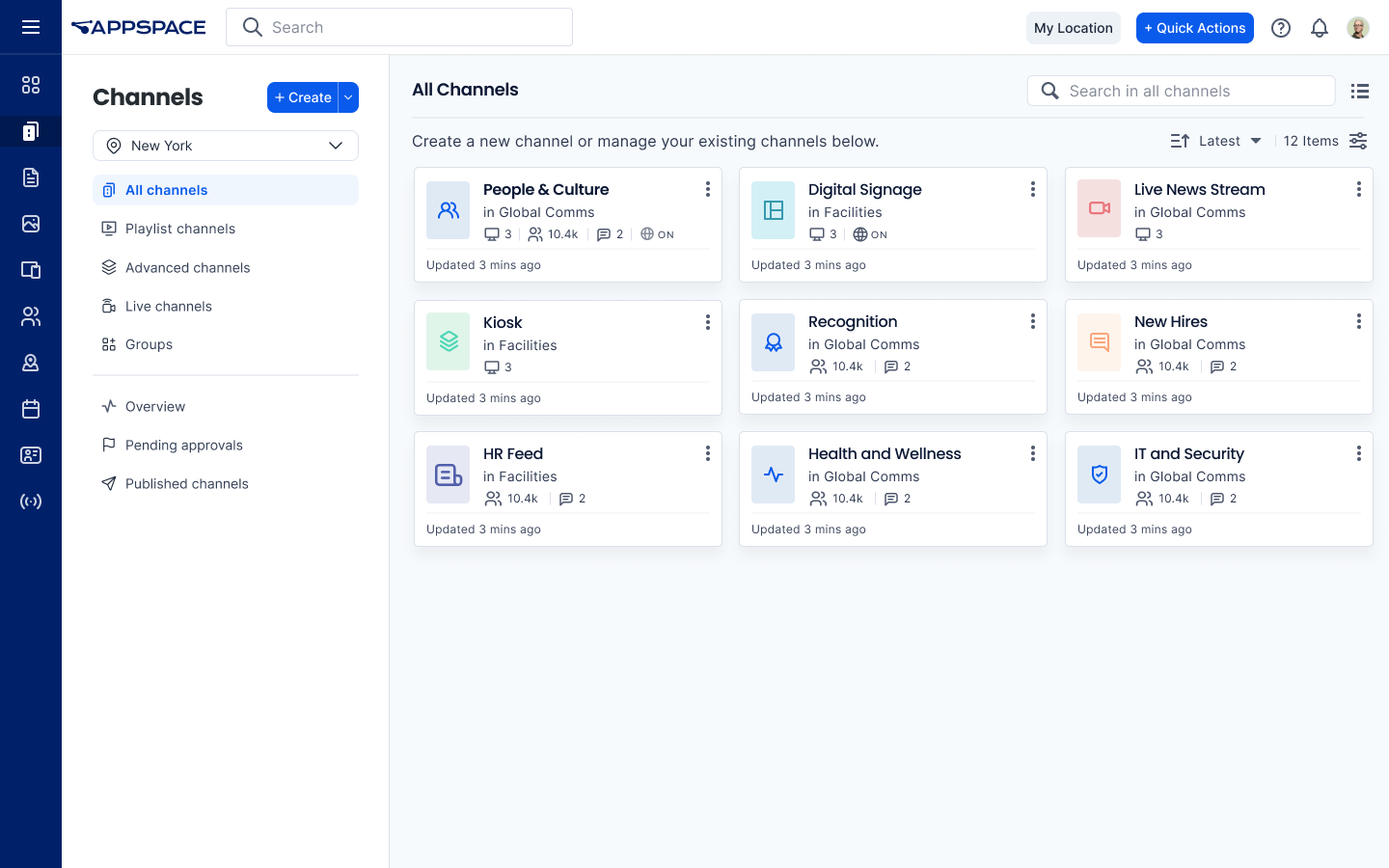
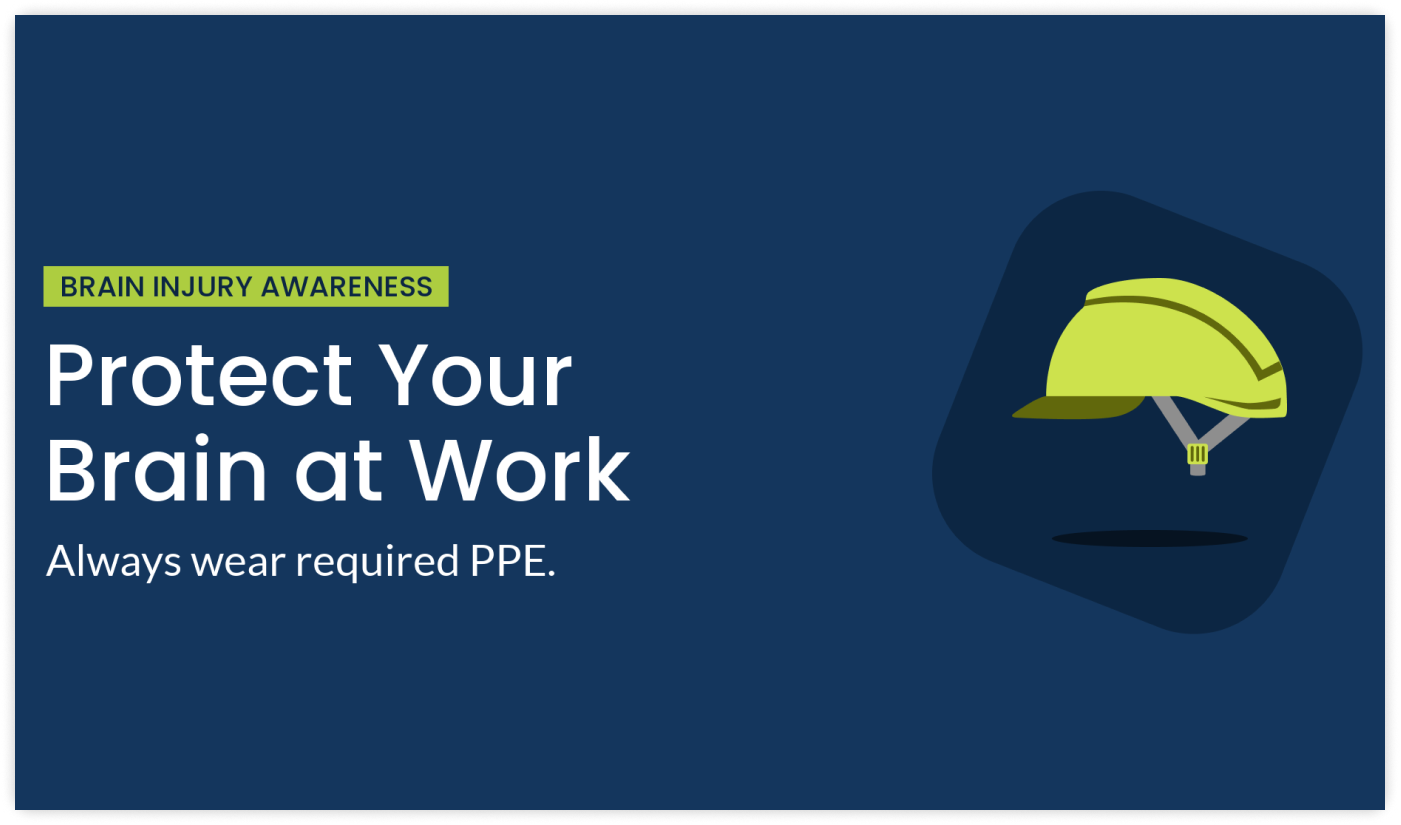
You’ve got messages to share – safety alerts, KPIs, leadership updates, policy changes – but no easy way to reach everyone at once.
That’s where Appspace Channels come in. They’re curated playlists of content (called Cards) that help you publish updates, announcements, videos, live streams, dashboards, and more – directly to your digital signage displays, collaboration tools, or employee devices. They’re a key part of your workplace communications toolkit.
Think of Channels as the smart layer that connects your message with your teams, wherever they are.
With just three steps, you can use Channels to power your internal communications:
It’s the fast, flexible way to deliver the right message, in the right format, at exactly the right moment, so no one misses what matters most.
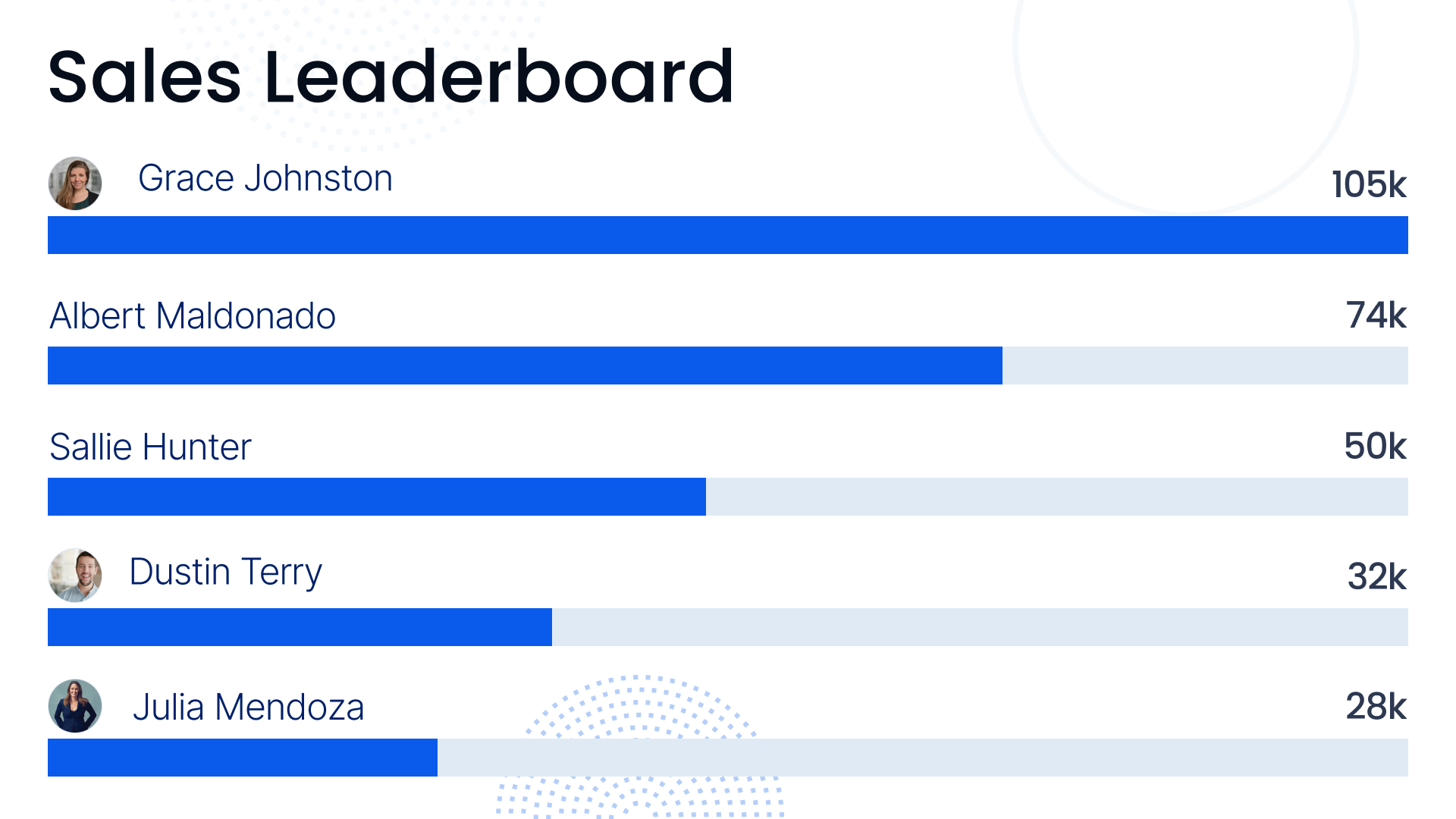
Smart digital display signage isn’t static or hard to manage. With Appspace Channels, you can turn any screen – lobby TVs, breakroom monitors, interactive kiosks, meeting room screens – into a live, targeted messaging platform.
Instead of one-off displays or manual updates, Channels let you:
Many comms platforms leave you guessing: Did anyone actually see this?
With analytics for Appspace Channels, you can track trends like how often channels are updated, who your most active editors are, and which content types are being used most.
Want to see which templates are resonating or how quickly approvals are getting processed? It’s all there.
These insights help you spot engagement patterns, optimize your content strategy, and ensure your digital display signage stays dynamic, relevant, and effective.

One screen doesn’t fit all. Whether you’re sharing updates, streaming live video, or building immersive experiences, Appspace Channels gives you the flexibility to match the moment. You’ve got three channel types:
Best for day-to-day updates like company news, KPIs, safety messages, and event reminders.
Example: A global office network uses playlist channels to show rotating HR updates, local weather, and team highlights across every floor.
Need to stream a town hall or leadership Q&A? Live Channels let you deliver high-quality video content across time zones, right to your digital signage displays or collaboration tools.
Example: A comms team streams a CEO town hall live to every regional office screen and mobile device at once – no separate tools needed.
If you want to go beyond static screens, advanced channels let you build fully branded, interactive digital signage experiences for high-traffic areas.
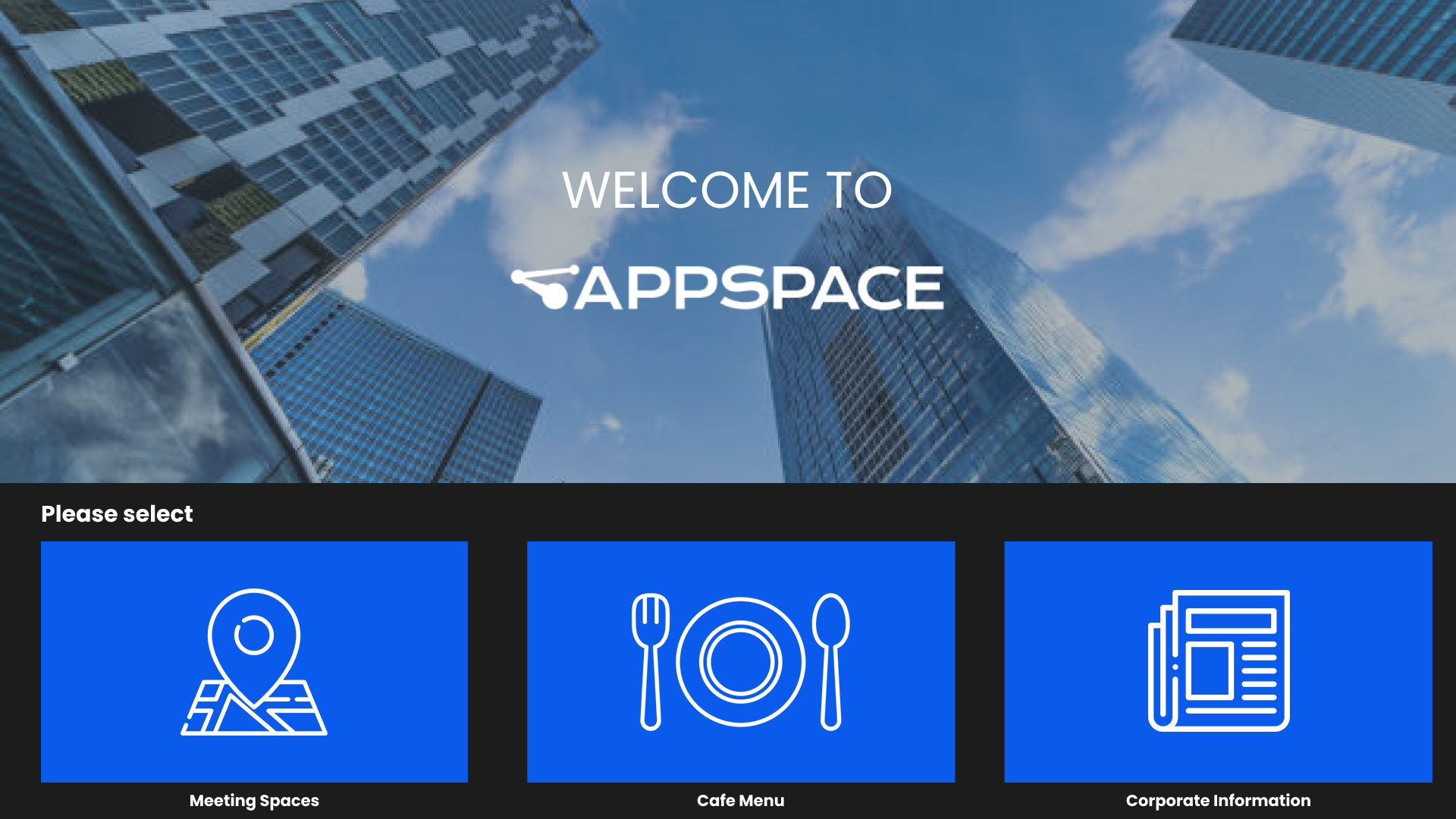
Example: A corporate HQ installs a touchscreen welcome display that shows company news, events, maps, and digital art, powered by an advanced channel.
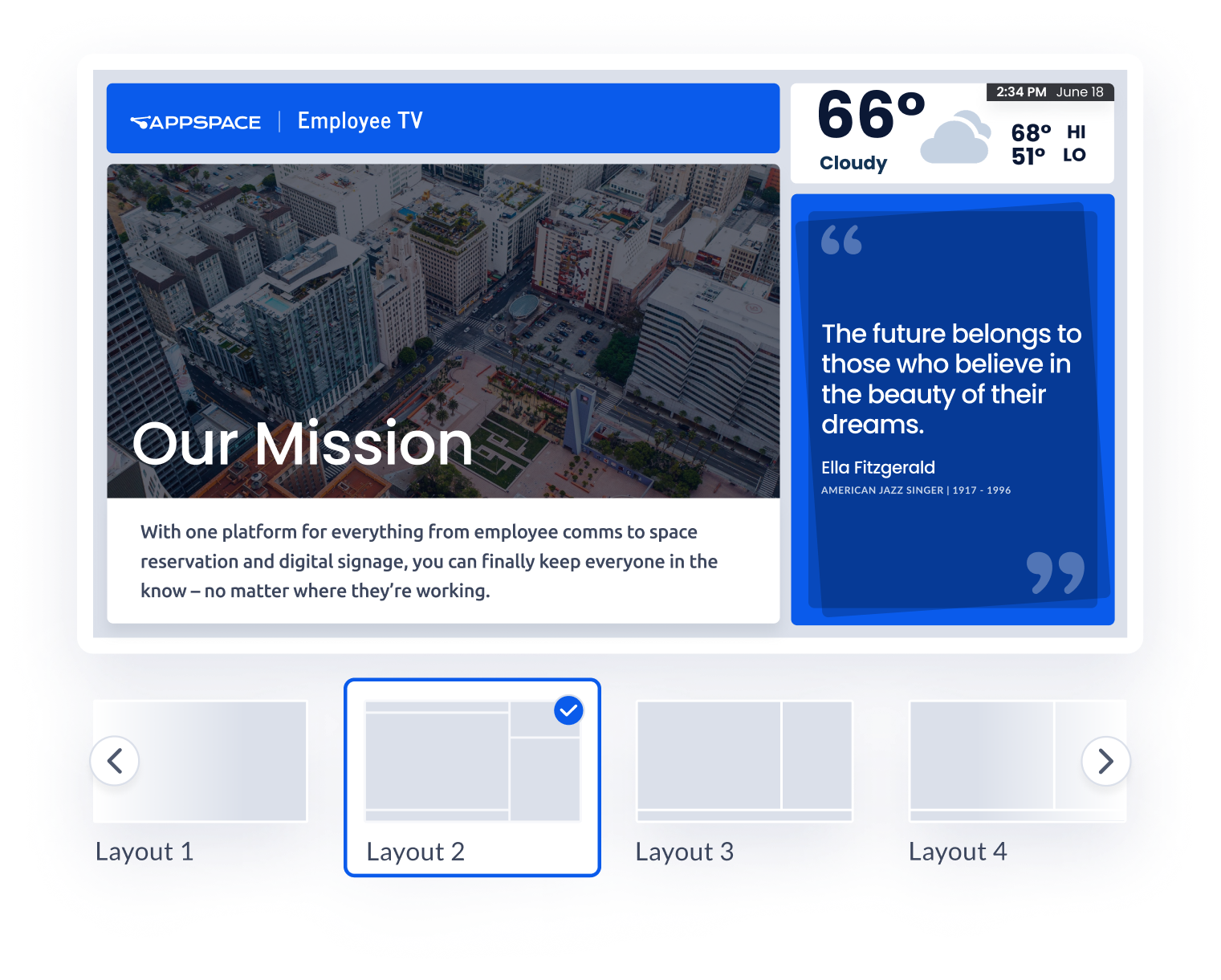
Many digital signage tools make you choose between control and usability. Appspace gives you both – with scheduling, targeting, branding, and publishing all in one place. So you’ve got:
Whether you’re managing a single site or global signage network, Appspace Channels scales with you.
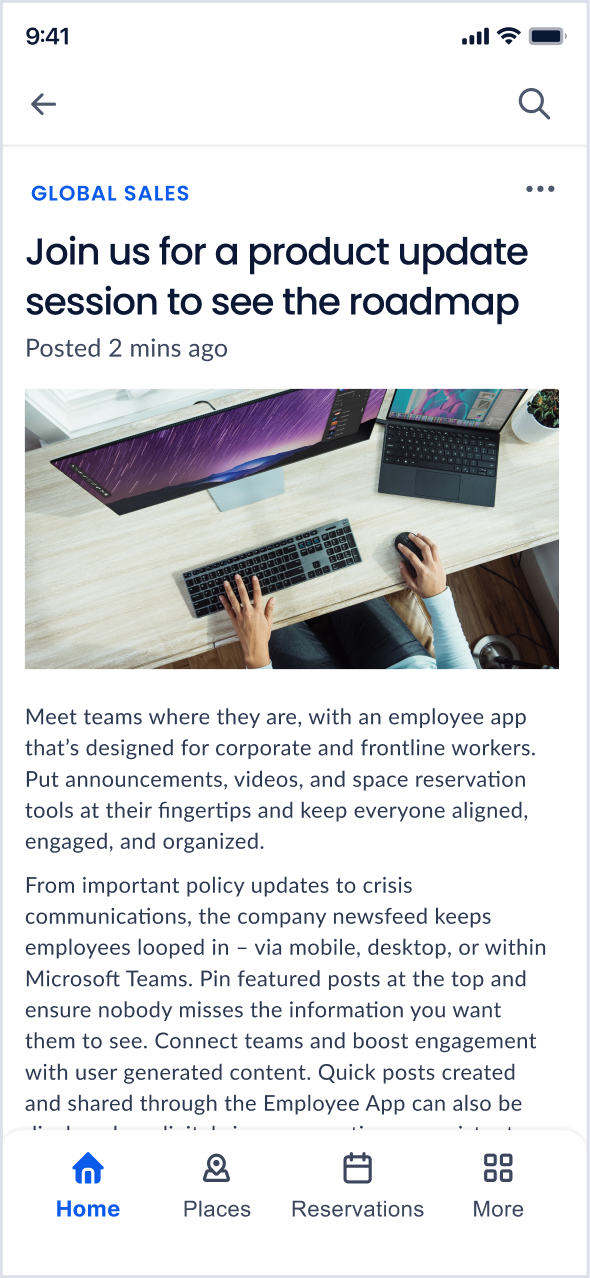
Appspace Channels work with what you’ve already got — from Microsoft Teams and Slack to room panels and visitor screens:
It’s smoother communication through one platform, across every screen.
Whether you’re in a factory, at HQ, or managing a hybrid team, communication gaps can lead to confusion, delays – or worse. These teams use Appspace Channels to close those gaps and get results.
Use playlist channels to show shift schedules, KPI dashboards, and safety messages – automatically tailored to location or time of day.
Create an advanced channel for your lobby that includes a welcome message, corporate branding, maps, and live news – all in one place.
Share consistent updates with remote teams by streaming Channels to Microsoft Teams, mobile apps, and desktop screens so there are no missed messages.
Your screens could be doing so much more. Instead of outdated slideshows and manual uploads, Appspace Channels gives you a living, scalable system for targeted messaging.
And where traditional digital signage tools often require complex setup, manual updates, or third-party integrations to stay relevant, Appspace Channels give you one platform to manage everything.
You control the timing, audience, format, and location.
You’ve already invested in the screens. Now make them work harder. Appspace helps you build a smarter, more connected comms experience.
Fuel your comms strategies with our ultimate guide to modern workplace communication and management systems.
Take a closer look at Appspace, and book a demo to see what’s possible.

